Add-ons Manager - Scriptish Screenshot

[Scriptish only] Show screenshot on Scriptish user script page in Add-ons Manager.

You will need to install an extension such as Tampermonkey, Greasemonkey or Violentmonkey to install this script.

You will need to install an extension such as Tampermonkey to install this script.

You will need to install an extension such as Tampermonkey or Violentmonkey to install this script.

You will need to install an extension such as Tampermonkey or Userscripts to install this script.

You will need to install an extension such as Tampermonkey to install this script.

You will need to install a user script manager extension to install this script.

(I already have a user script manager, let me install it!)

You will need to install an extension such as Stylus to install this style.

You will need to install an extension such as Stylus to install this style.

ستحتاج إلى تثبيت إضافة مثل Stylus لتثبيت هذا النمط.

ستحتاج إلى تثبيت إضافة لإدارة أنماط المستخدم لتتمكن من تثبيت هذا النمط.

ستحتاج إلى تثبيت إضافة لإدارة أنماط المستخدم لتثبيت هذا النمط.

ستحتاج إلى تثبيت إضافة لإدارة أنماط المستخدم لتثبيت هذا النمط.

(لدي بالفعل مثبت أنماط للمستخدم، دعني أقم بتثبيته!)

المؤلف
LouCypher
التثبيت اليومي
0
إجمالي التثبيت
235
التقييمات
2 0 0
الإصدار
1.0
تم إنشاؤه
10-03-2014
تم تحديثه
13-05-2015
الحجم
2.69 KB
الترخيص
MPL 2.0
ينطبق على

Notes

This will only work if the user script has @screenshot metadata.

If you'd rather use Stylish, use this CSS code:

@namespace url(http://www.mozilla.org/keymaster/gatekeeper/there.is.only.xul);
@-moz-document url(about:addons),
               url(chrome://mozapps/content/extensions/extensions.xul){
  #detail-view[type=userscript] #detail-screenshot[width=null][height=null]{
    min-width: 200px;
    min-height: 150px;
  }
}

Compatibility

Firefox 24+ or compatible with Scriptish 0.1+.
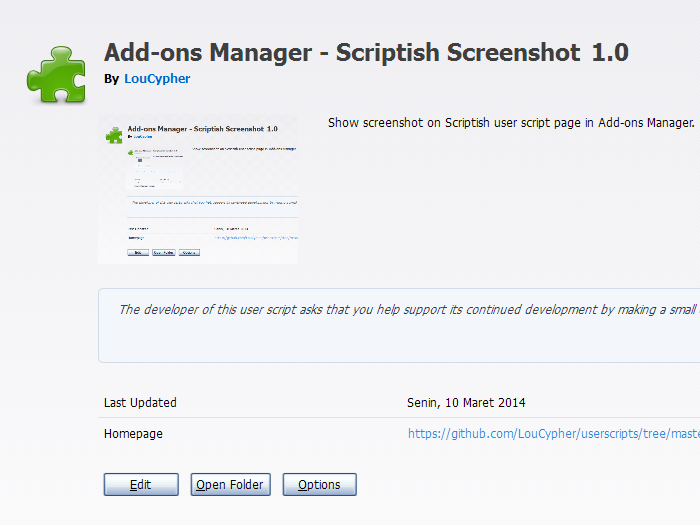
Screenshot

Screenshot