Add-ons Manager - Scriptish Screenshot

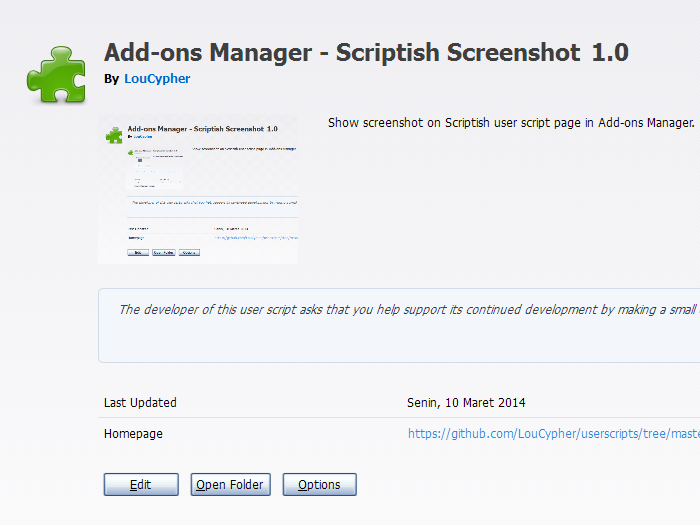
[Scriptish only] Show screenshot on Scriptish user script page in Add-ons Manager.

K instalaci tototo skriptu si budete muset nainstalovat rozšíření jako Tampermonkey, Greasemonkey nebo Violentmonkey.

You will need to install an extension such as Tampermonkey to install this script.

K instalaci tohoto skriptu si budete muset nainstalovat rozšíření jako Tampermonkey nebo Violentmonkey.

K instalaci tohoto skriptu si budete muset nainstalovat rozšíření jako Tampermonkey nebo Userscripts.

You will need to install an extension such as Tampermonkey to install this script.

K instalaci tohoto skriptu si budete muset nainstalovat manažer uživatelských skriptů.

(Už mám manažer uživatelských skriptů, nechte mě ho nainstalovat!)

You will need to install an extension such as Stylus to install this style.

You will need to install an extension such as Stylus to install this style.

You will need to install an extension such as Stylus to install this style.

You will need to install a user style manager extension to install this style.

You will need to install a user style manager extension to install this style.

You will need to install a user style manager extension to install this style.

(Už mám manažer uživatelských stylů, nechte mě ho nainstalovat!)

Autor
LouCypher
Denně instalací
0
Celkem instalací
233
Hodnocení
2 0 0
Verze
1.0
Vytvořeno
10. 03. 2014
Aktualizováno
13. 05. 2015
Size
2,7 KB
Licence
MPL 2.0
Spustit na

Notes

This will only work if the user script has @screenshot metadata.

If you'd rather use Stylish, use this CSS code:

@namespace url(http://www.mozilla.org/keymaster/gatekeeper/there.is.only.xul);
@-moz-document url(about:addons),
               url(chrome://mozapps/content/extensions/extensions.xul){
  #detail-view[type=userscript] #detail-screenshot[width=null][height=null]{
    min-width: 200px;
    min-height: 150px;
  }
}

Compatibility

Firefox 24+ or compatible with Scriptish 0.1+.
Screenshot

Screenshot