CodePTIT Copier

Sửa lỗi dòng trống thừa khi copy trên CodePTIT. Tạo nút copy nhanh Testcase và Mã bài + Tên bài được chuẩn hóa

Verze ze dne 13. 10. 2025. Zobrazit nejnovější verzi.

K instalaci tototo skriptu si budete muset nainstalovat rozšíření jako Tampermonkey, Greasemonkey nebo Violentmonkey.

You will need to install an extension such as Tampermonkey to install this script.

K instalaci tohoto skriptu si budete muset nainstalovat rozšíření jako Tampermonkey nebo Violentmonkey.

K instalaci tohoto skriptu si budete muset nainstalovat rozšíření jako Tampermonkey nebo Userscripts.

You will need to install an extension such as Tampermonkey to install this script.

K instalaci tohoto skriptu si budete muset nainstalovat manažer uživatelských skriptů.

(Už mám manažer uživatelských skriptů, nechte mě ho nainstalovat!)

You will need to install an extension such as Stylus to install this style.

You will need to install an extension such as Stylus to install this style.

You will need to install an extension such as Stylus to install this style.

You will need to install a user style manager extension to install this style.

You will need to install a user style manager extension to install this style.

You will need to install a user style manager extension to install this style.

(Už mám manažer uživatelských stylů, nechte mě ho nainstalovat!)

Autor
nvbangg
Hodnocení
0 0 0
Verze
1.4.5
Vytvořeno
15. 05. 2025
Aktualizováno
13. 10. 2025
Size
8,6 KB
Licence
MIT
Spustit na

CodePTIT Copier

Xóa dòng trống thừa và copy nhanh Testcase, Mã bài + Tên bài được chuẩn hóa trên CodePTIT

TÍNH NĂNG:

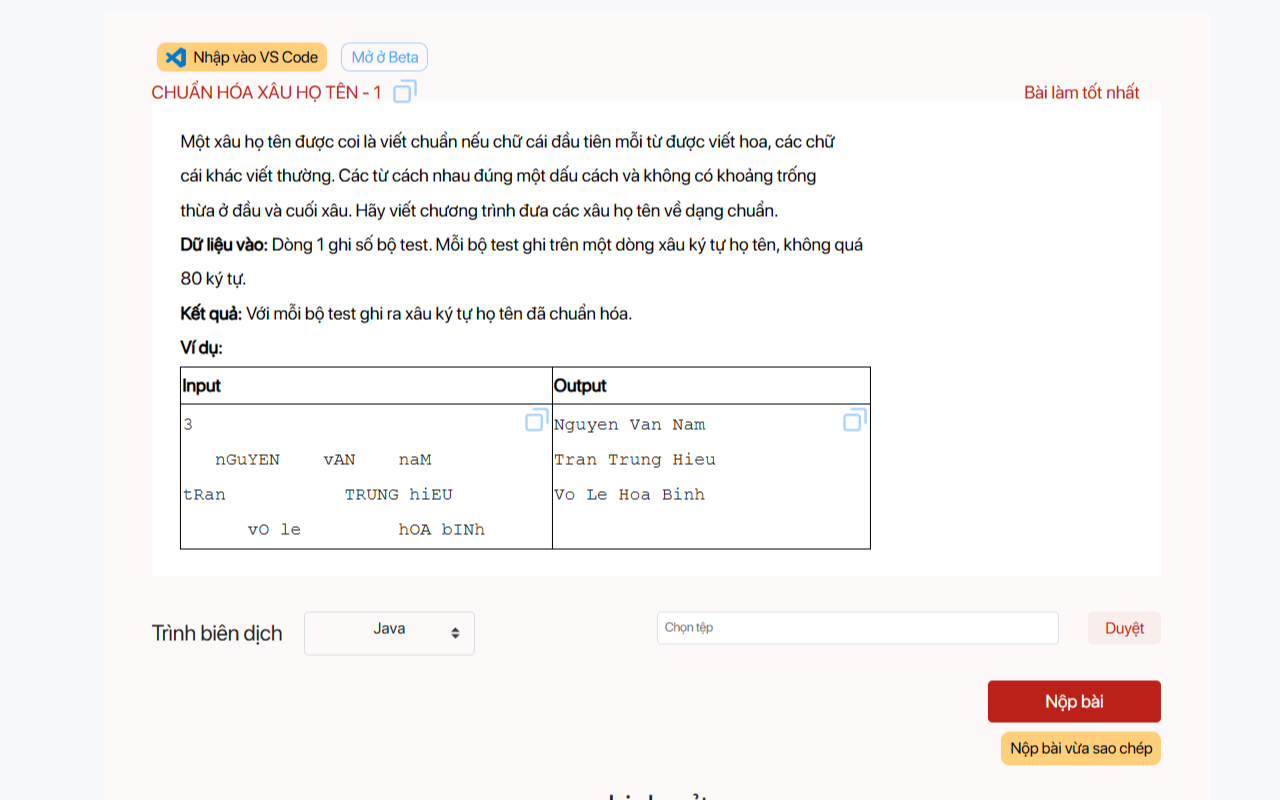
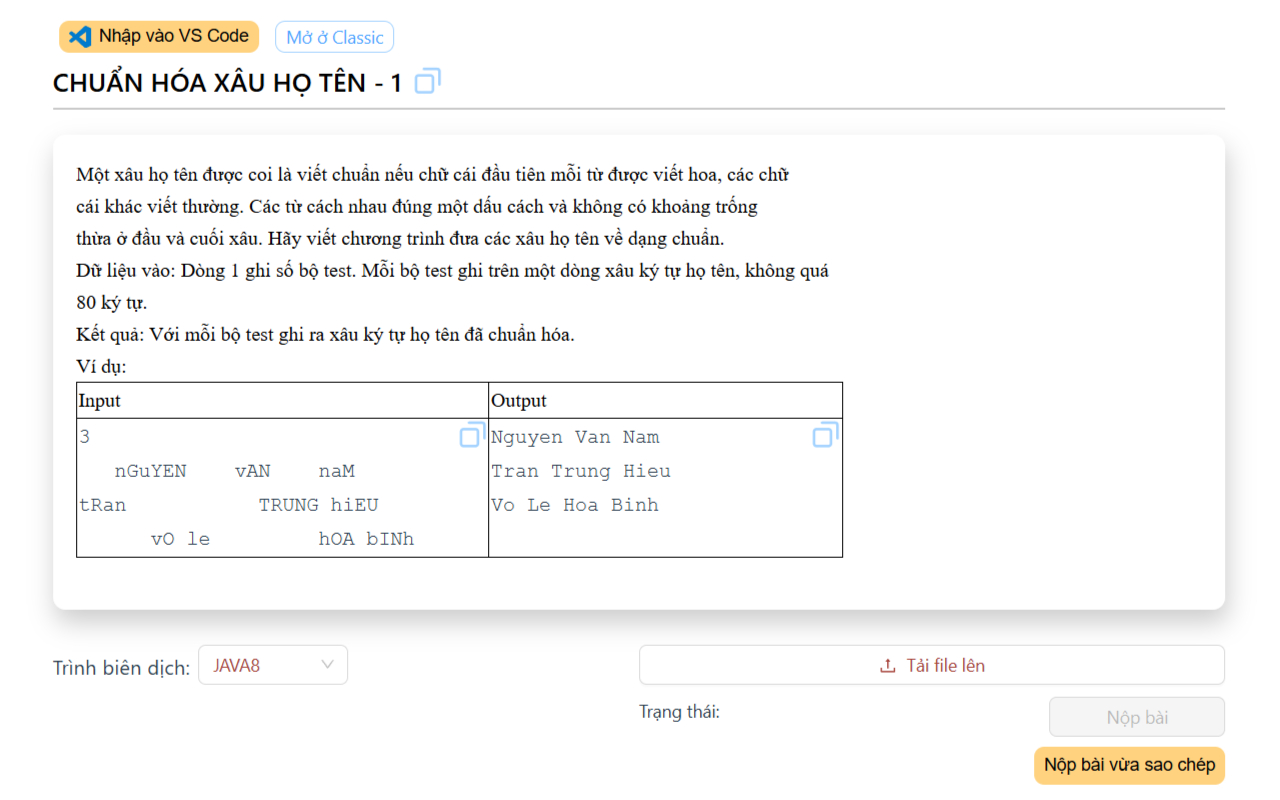
  • Sửa lỗi dòng trống thừa và Tạo nút copy nhanh Testcase trên CodePTIT (trang cũ lẫn beta)
  • Copy nhanh Mã bài_Tên bài được chuẩn hóa để đặt tên cho file
    • Ví dụ sao chép: PYKT13017_BoBaSoPytagoBanKho.cpp cho bài BỘ BA SỐ PYTAGO (bản khó)
  • Hỗ trợ copy và paste nhanh input, output cùng lúc vào CPH (dùng cùng KeyClipboard)

CÁCH CÀI ĐẶT:

Demo1 Demo2