Pinterest Full

View & download original full size images (no login required) and a pleasing UI

K instalaci tototo skriptu si budete muset nainstalovat rozšíření jako Tampermonkey, Greasemonkey nebo Violentmonkey.

You will need to install an extension such as Tampermonkey to install this script.

K instalaci tohoto skriptu si budete muset nainstalovat rozšíření jako Tampermonkey nebo Violentmonkey.

K instalaci tohoto skriptu si budete muset nainstalovat rozšíření jako Tampermonkey nebo Userscripts.

You will need to install an extension such as Tampermonkey to install this script.

K instalaci tohoto skriptu si budete muset nainstalovat manažer uživatelských skriptů.

(Už mám manažer uživatelských skriptů, nechte mě ho nainstalovat!)

Advertisement:

You will need to install an extension such as Stylus to install this style.

You will need to install an extension such as Stylus to install this style.

You will need to install an extension such as Stylus to install this style.

You will need to install a user style manager extension to install this style.

You will need to install a user style manager extension to install this style.

You will need to install a user style manager extension to install this style.

(Už mám manažer uživatelských stylů, nechte mě ho nainstalovat!)

Advertisement:

Autor
ShrekBytes
Denně instalací
5
Celkem instalací
753
Hodnocení
2 0 1
Verze
3.2.0
Vytvořeno
19. 08. 2025
Aktualizováno
02. 07. 2026
velikost
30,4 KB
Licence
GPL-3.0
Spustit na

A lightweight userscript that lets you download original quality images from Pinterest without logging in. Adds View and Download buttons with a beautiful gallery interface.
Pinterest Full Interface

Features

  • No Login Required - Download original content without a Pinterest account
  • Original Quality - Get full-size images, not compressed versions
  • View Button - Opens images in a full-screen gallery
  • Download Button - Downloads original quality content
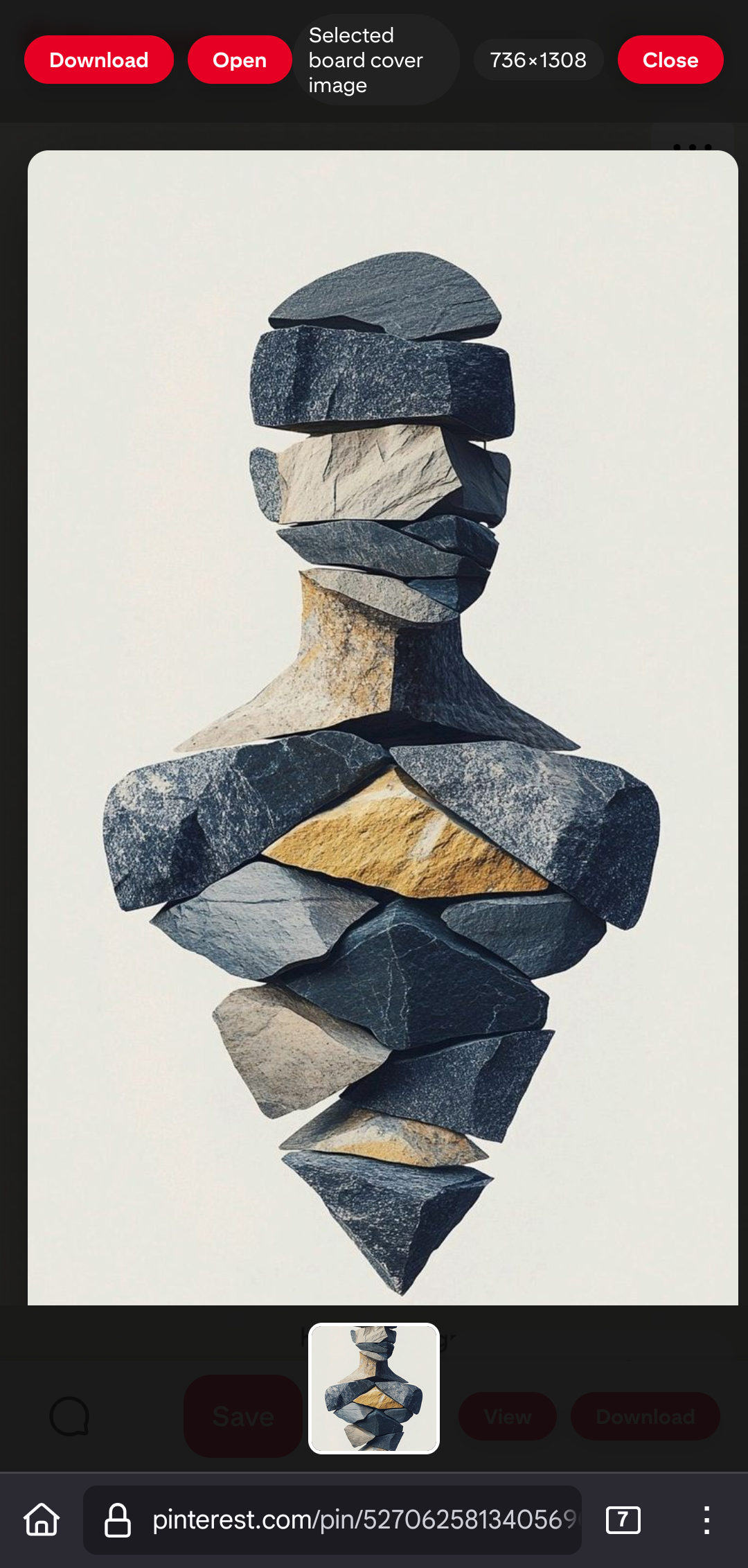
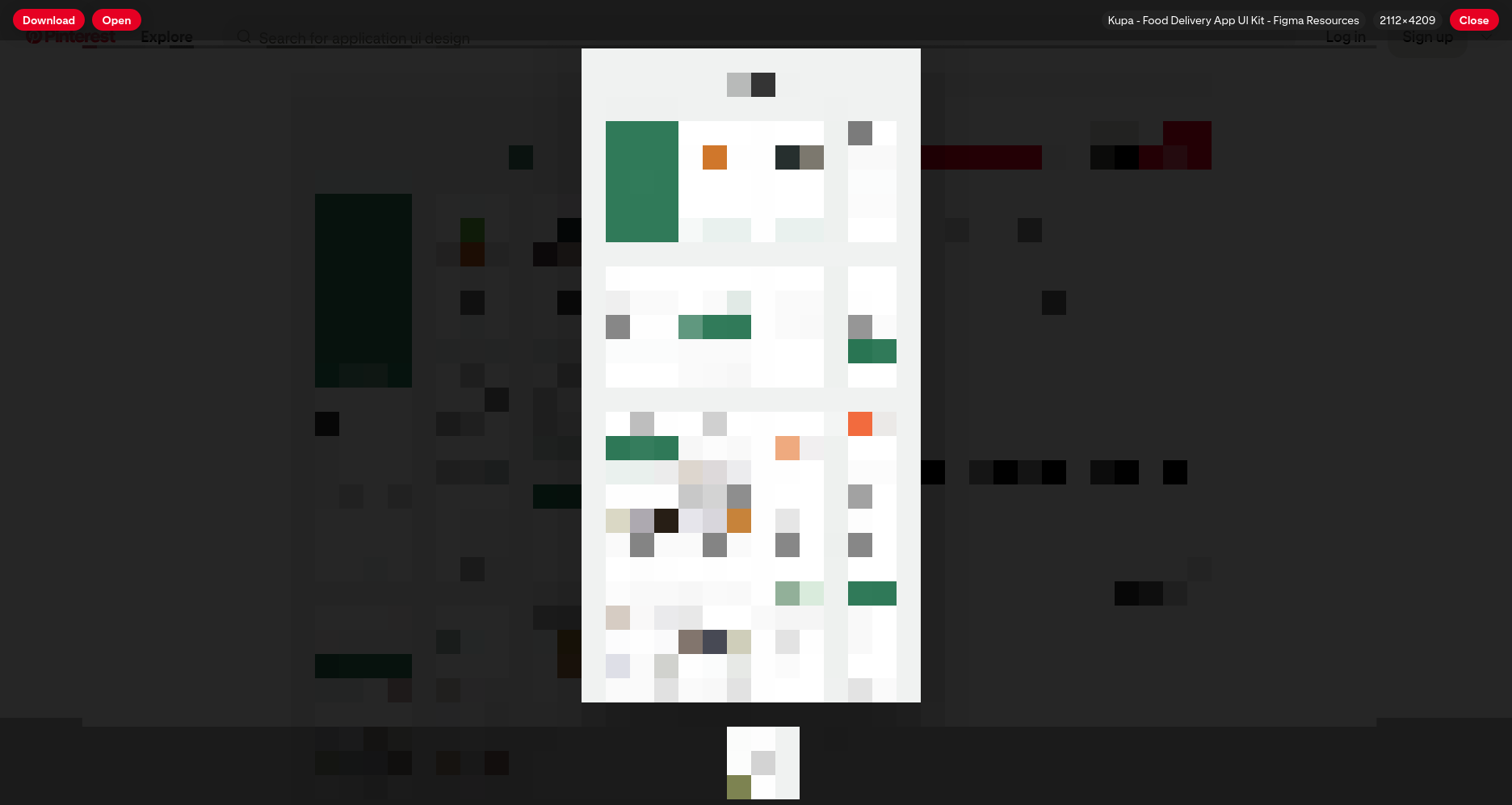
  • Gallery Navigation - Browse multiple images with thumbnails
  • Mobile Support - Works on mobile browsers when Desktop Site/Desktop Mode is enabled

Quick Install

  1. Install any userscript manager:
  2. Click here to install
  3. Visit any Pinterest pin page.
  4. On mobile browsers, enable Desktop Site/Desktop Mode first.
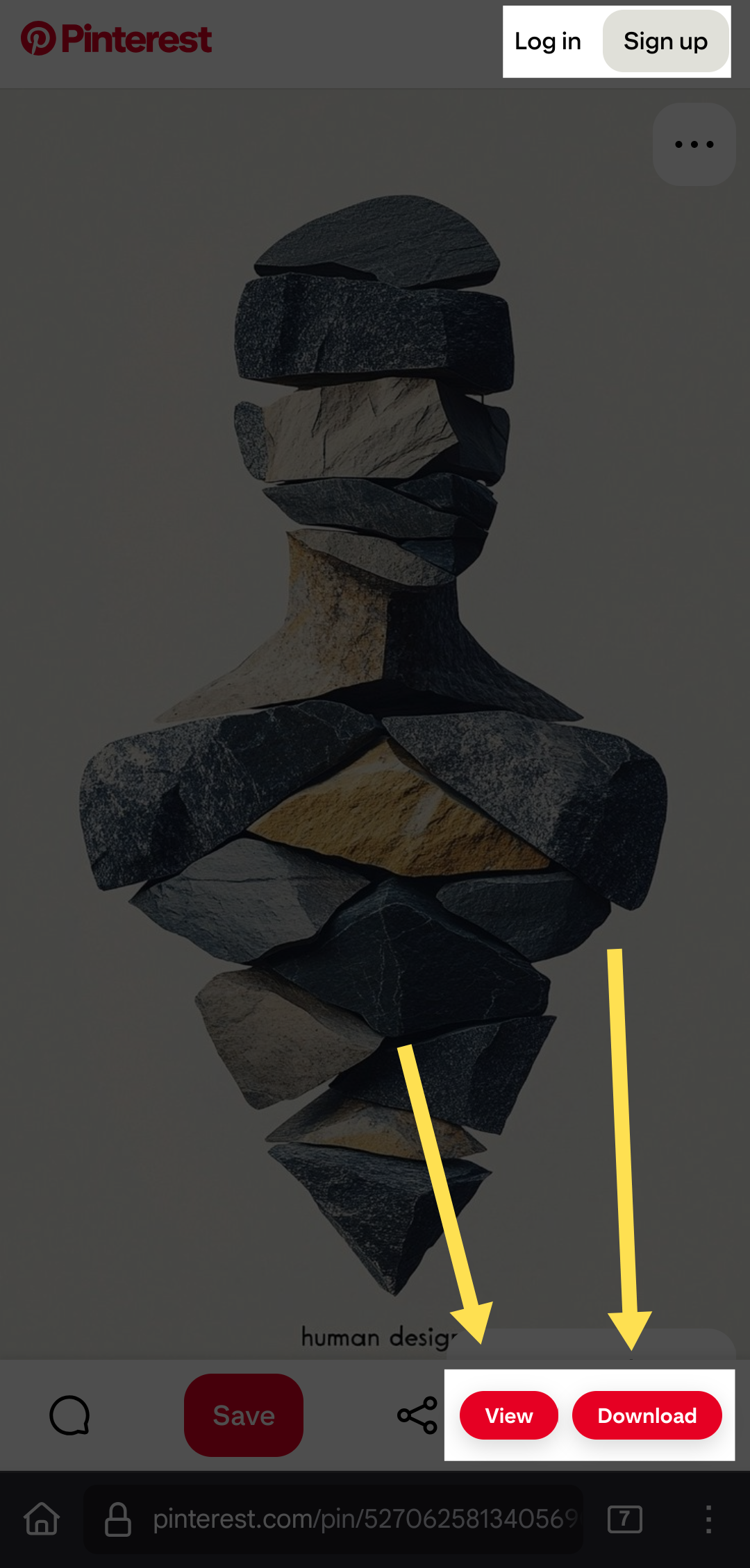
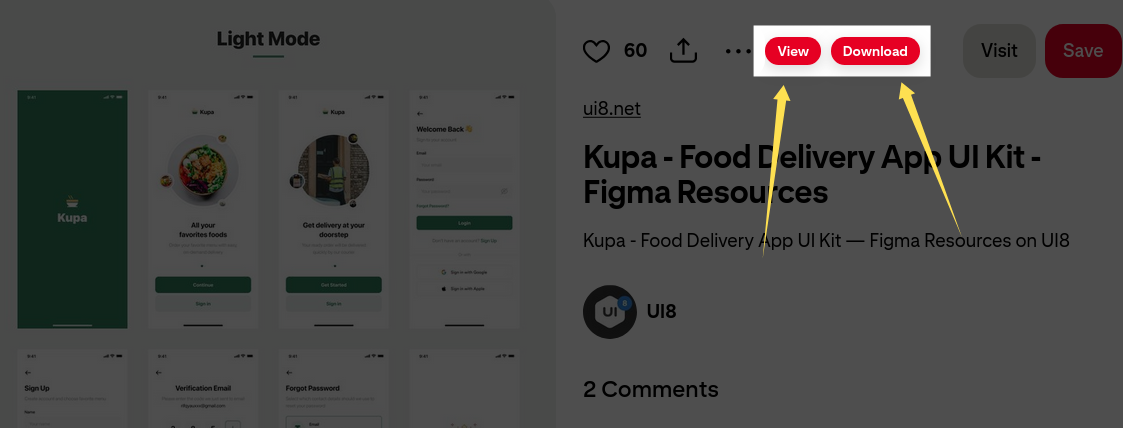
  5. Look for the View and Download buttons!

Supported Formats

  • Images: JPG, PNG, GIF, WebP
  • Story Pins: Multi-page content

Screenshots

Desktop

Pinterest Full - Main interface showing View and Download buttons Pinterest Full - Gallery interface showing multiple images with navigation

Mobile

Pinterest Full - Main interface showing View and Download buttons in Desktop Mode Pinterest Full - Gallery interface on mobile browser in Desktop Mode

Note: Pinterest recently updated its mobile interface. The userscript continues to work on mobile browsers when Desktop Site/Desktop Mode is enabled.

License

GPL-3.0 - See LICENSE file.

Acknowledgements

This script is based on the excellent work of TiLied's Pinterest Plus script.

Contributing

Found a bug? Want a feature? Open an issue on GitHub or submit a pull request!

Links

Made with ❤️ by ShrekBytes