GreasyFork Premium

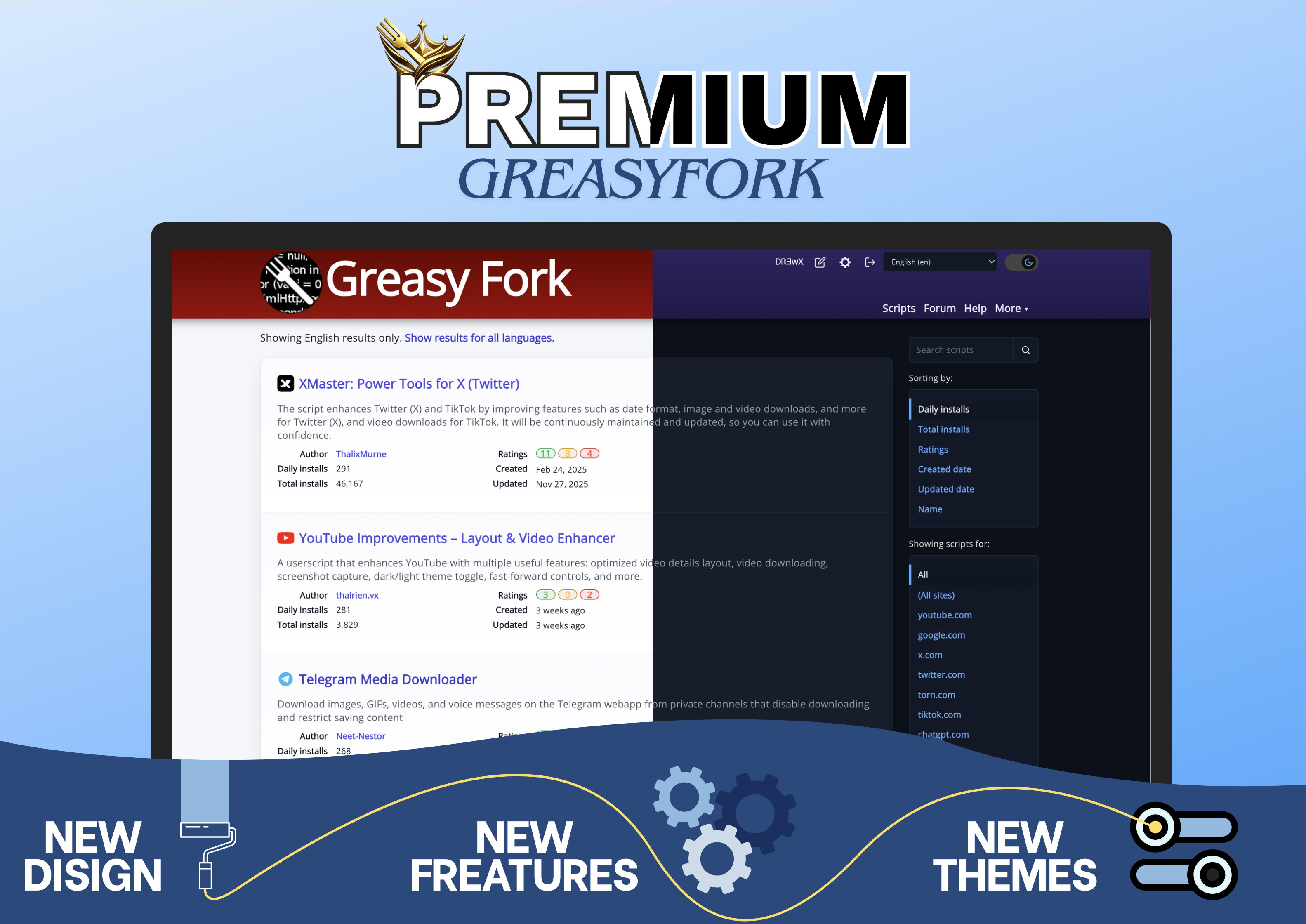
Advanced GreasyFork enhancement: modern UI, one-click favorites system, direct install button, light/dark theme, and optimized navigation for faster actions.


You will need to install an extension such as Tampermonkey, Greasemonkey or Violentmonkey to install this script.

You will need to install an extension such as Tampermonkey to install this script.

You will need to install an extension such as Tampermonkey or Violentmonkey to install this script.

You will need to install an extension such as Tampermonkey or Userscripts to install this script.

You will need to install an extension such as Tampermonkey to install this script.

You will need to install a user script manager extension to install this script.

(I already have a user script manager, let me install it!)

You will need to install an extension such as Stylus to install this style.

You will need to install an extension such as Stylus to install this style.

You will need to install an extension such as Stylus to install this style.

You will need to install a user style manager extension to install this style.

You will need to install a user style manager extension to install this style.

You will need to install a user style manager extension to install this style.

(I already have a user style manager, let me install it!)

Skaber
Dℝ∃wX
Daglige installationer
1
Installationer i alt
172
Bedømmelser
6 0 0
Version
1.1.0
Oprettet
17.01.2026
Opdateret
05.04.2026
Size
314 kB
Licens
Apache-2.0
Gælder for

GreasyFork Premium


GreasyFork Premium transforms the GreasyFork interface to make it faster, cleaner, and more efficient.
Goal: reduce unnecessary actions and improve productivity without altering the site's core behavior.
Main Features

  • One-click favorites directly from script cards
  • Redesigned favorites management (faster, cleaner, more intuitive)
  • Direct install button without opening the script page

Interface & Experience

  • Modernized interface with improved visual hierarchy
  • Instant light/dark theme switching
  • Smoother navigation with immediate access to essential actions
  • Reduced visual noise for better readability

Smart Navigation

  • Script icons for quick visual identification
  • Direct access to key actions (edit, settings)
  • Fewer clicks, more efficiency

Code Readability

  • Enhanced display of code blocks
  • Syntax highlighting via Highlight.js
  • Clearer reading of scripts and snippets

Image presenting the script