Add-ons Manager - Scriptish Screenshot

[Scriptish only] Show screenshot on Scriptish user script page in Add-ons Manager.

Du musst eine Erweiterung wie Tampermonkey, Greasemonkey oder Violentmonkey installieren, um dieses Skript zu installieren.

You will need to install an extension such as Tampermonkey to install this script.

You will need to install an extension such as Tampermonkey or Violentmonkey to install this script.

You will need to install an extension such as Tampermonkey or Userscripts to install this script.

You will need to install an extension such as Tampermonkey to install this script.

Sie müssten eine Skript Manager Erweiterung installieren damit sie dieses Skript installieren können

(Ich habe schon ein Skript Manager, Lass mich es installieren!)

You will need to install an extension such as Stylus to install this style.

You will need to install an extension such as Stylus to install this style.

You will need to install an extension such as Stylus to install this style.

You will need to install a user style manager extension to install this style.

You will need to install a user style manager extension to install this style.

You will need to install a user style manager extension to install this style.

(I already have a user style manager, let me install it!)

Autor
LouCypher
Installationen heute
0
Installationen gesamt
235
Bewertungen
2 0 0
Version
1.0
Erstellt am
10.03.2014
Letzte Aktualisierung
13.05.2015
Größe
2,69 KB
Lizenz
MPL 2.0
Wird angewandt auf

Notes

This will only work if the user script has @screenshot metadata.

If you'd rather use Stylish, use this CSS code:

@namespace url(http://www.mozilla.org/keymaster/gatekeeper/there.is.only.xul);
@-moz-document url(about:addons),
               url(chrome://mozapps/content/extensions/extensions.xul){
  #detail-view[type=userscript] #detail-screenshot[width=null][height=null]{
    min-width: 200px;
    min-height: 150px;
  }
}

Compatibility

Firefox 24+ or compatible with Scriptish 0.1+.
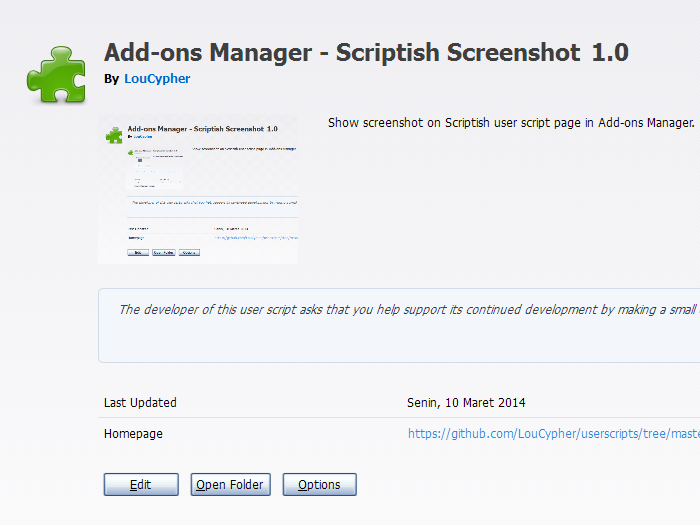
Screenshot

Screenshot