Wikipedia Dark Theme

Script gives Wikipedia pages a dark color theme

You will need to install an extension such as Tampermonkey, Greasemonkey or Violentmonkey to install this script.

You will need to install an extension such as Tampermonkey to install this script.

You will need to install an extension such as Tampermonkey or Violentmonkey to install this script.

You will need to install an extension such as Tampermonkey or Userscripts to install this script.

You will need to install an extension such as Tampermonkey to install this script.

You will need to install a user script manager extension to install this script.

(I already have a user script manager, let me install it!)

You will need to install an extension such as Stylus to install this style.

You will need to install an extension such as Stylus to install this style.

You will need to install an extension such as Stylus to install this style.

You will need to install a user style manager extension to install this style.

You will need to install a user style manager extension to install this style.

You will need to install a user style manager extension to install this style.

(I already have a user style manager, let me install it!)

Penulis
li-shangru
Pemasangan harian
0
Total pemasangan
4.428
Nilai
11 0 1
Versi
1.63
Dibuat
09 Mei 2019
Diperbarui
26 Agustus 2022
Size
38,9 KB
Lisensi
MIT
Berlaku untuk

Wikipedia Dark Theme


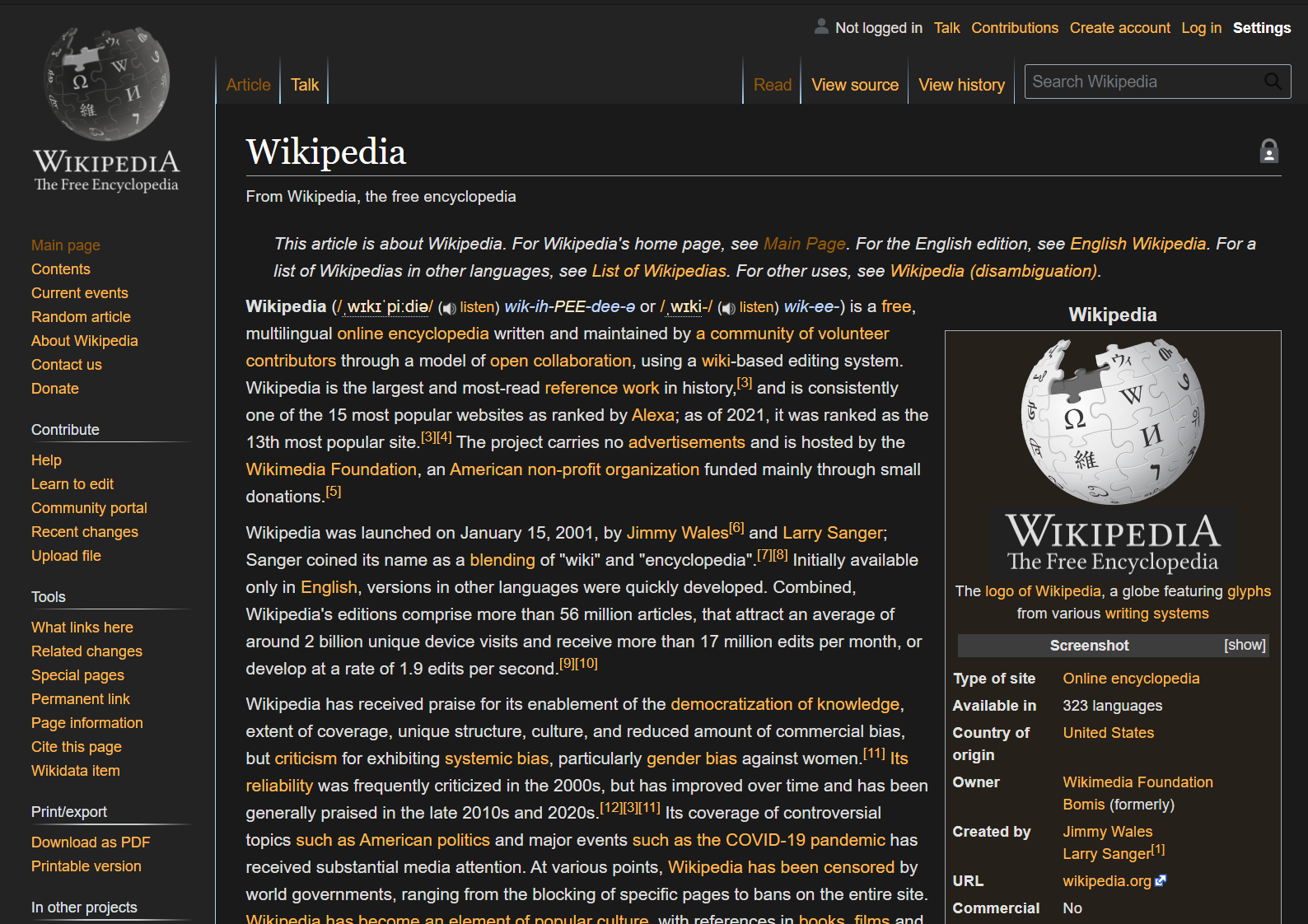
Wikipedia Dark Theme is a script to give Wikipedia pages a dark colour theme.
The script reverts the text colour and set the page background to black.
Provide a premium reading experience during both day and night.
Ease on the eyes, pleasant in the heart.

Please click the Settings option in the top right corner after installation to customize the theme.

Note: using this script will affect page loading speed.

Also available on: GitHub

For a list of changes, please refer to CHANGELOG.md.

Screenshots

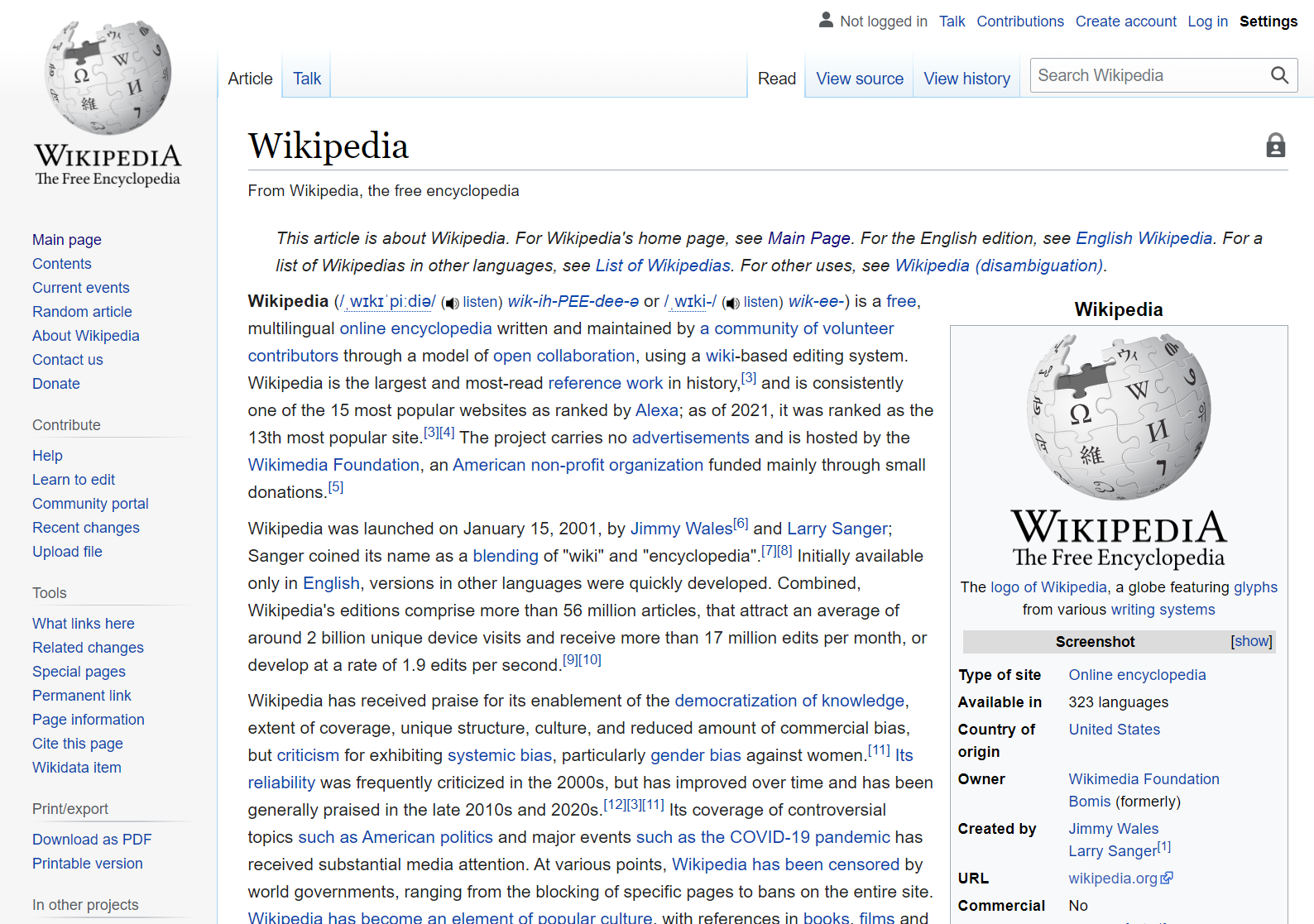
Light ThemeDark Theme
Dark Theme DisabledDark Theme Enabled
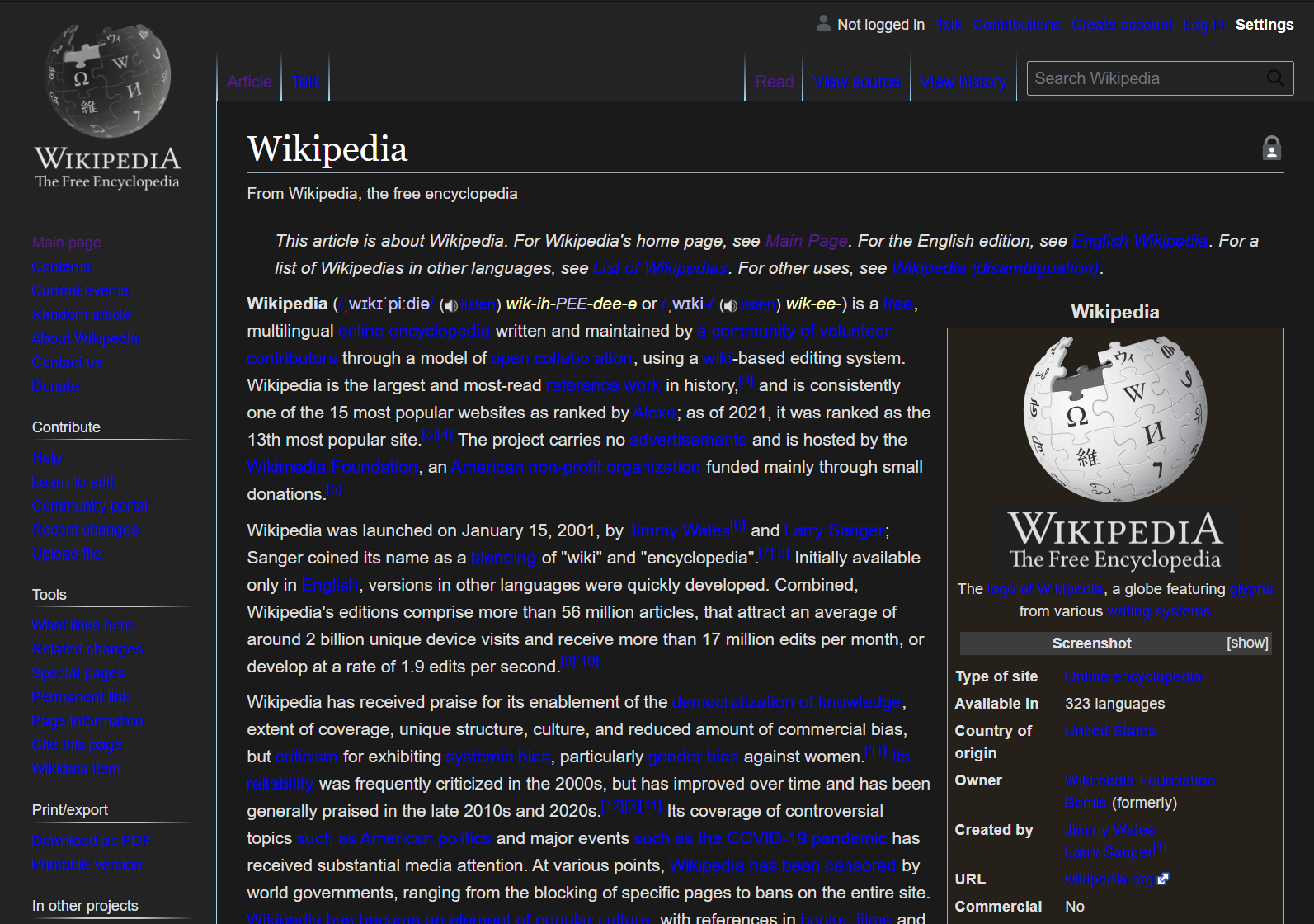
Settings MenuCustom Link Color
Settings menuWikipedia page with custom link color