Custom Profile Backgrounds

KoGaMa Custom Profile Background Support.

Dovrai installare un'estensione come Tampermonkey, Greasemonkey o Violentmonkey per installare questo script.

You will need to install an extension such as Tampermonkey to install this script.

Dovrai installare un'estensione come Tampermonkey o Violentmonkey per installare questo script.

Dovrai installare un'estensione come Tampermonkey o Userscripts per installare questo script.

Dovrai installare un'estensione come ad esempio Tampermonkey per installare questo script.

Dovrai installare un gestore di script utente per installare questo script.

(Ho già un gestore di script utente, lasciamelo installare!)

Dovrai installare un'estensione come ad esempio Stylus per installare questo stile.

Dovrai installare un'estensione come ad esempio Stylus per installare questo stile.

Dovrai installare un'estensione come ad esempio Stylus per installare questo stile.

Dovrai installare un'estensione per la gestione degli stili utente per installare questo stile.

Dovrai installare un'estensione per la gestione degli stili utente per installare questo stile.

Dovrai installare un'estensione per la gestione degli stili utente per installare questo stile.

(Ho già un gestore di stile utente, lasciamelo installare!)

Autore
Devorkk
Installazioni giornaliere
0
Installazioni totali
160
Valutazione
0 0 0
Versione
0.3
Creato il
17/01/2023
Aggiornato il
17/01/2023
Dimensione
1,64 KB
Licenza
Non disponibile
Applica a

Custom Profile Backgrounds v0.3

Check out this script at GitHub 🧑‍💻

About

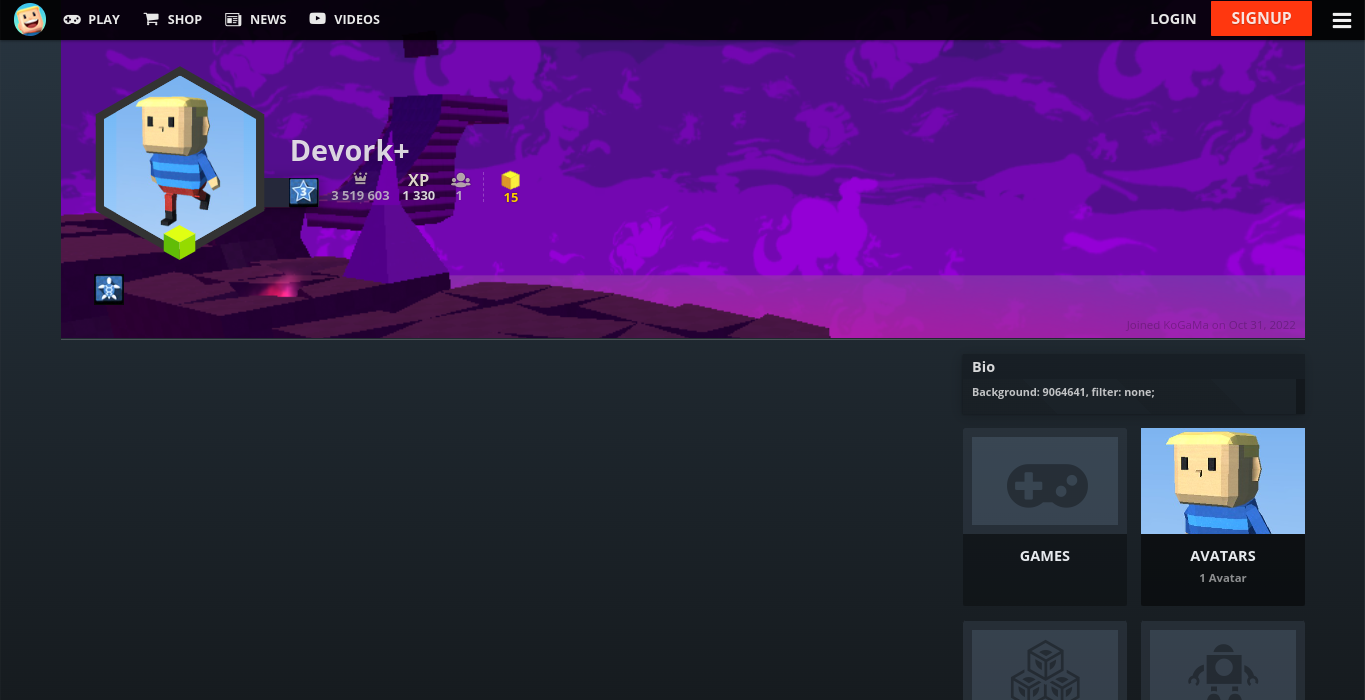
Custom profile background support. Showcase a game or create some profile art for all to enjoy at KoGaMa.

This idea was originally created by the KoGaMa Buddy or ProGraMa Studios, and re-created by me so, others users can enjoy this little tool on a non-firefox/firefox browser.

Preview

Usage

To set a custom profile background, include the following format somewhere in your profile description:
Background: GAME_ID, filter: FILTER;

  • GAME_ID: is the ID of a game on the current server.
  • FILTER: can be light, dark, blur, or none.

Note: The format is case-sensitive, and filter is optional with a default value of light.
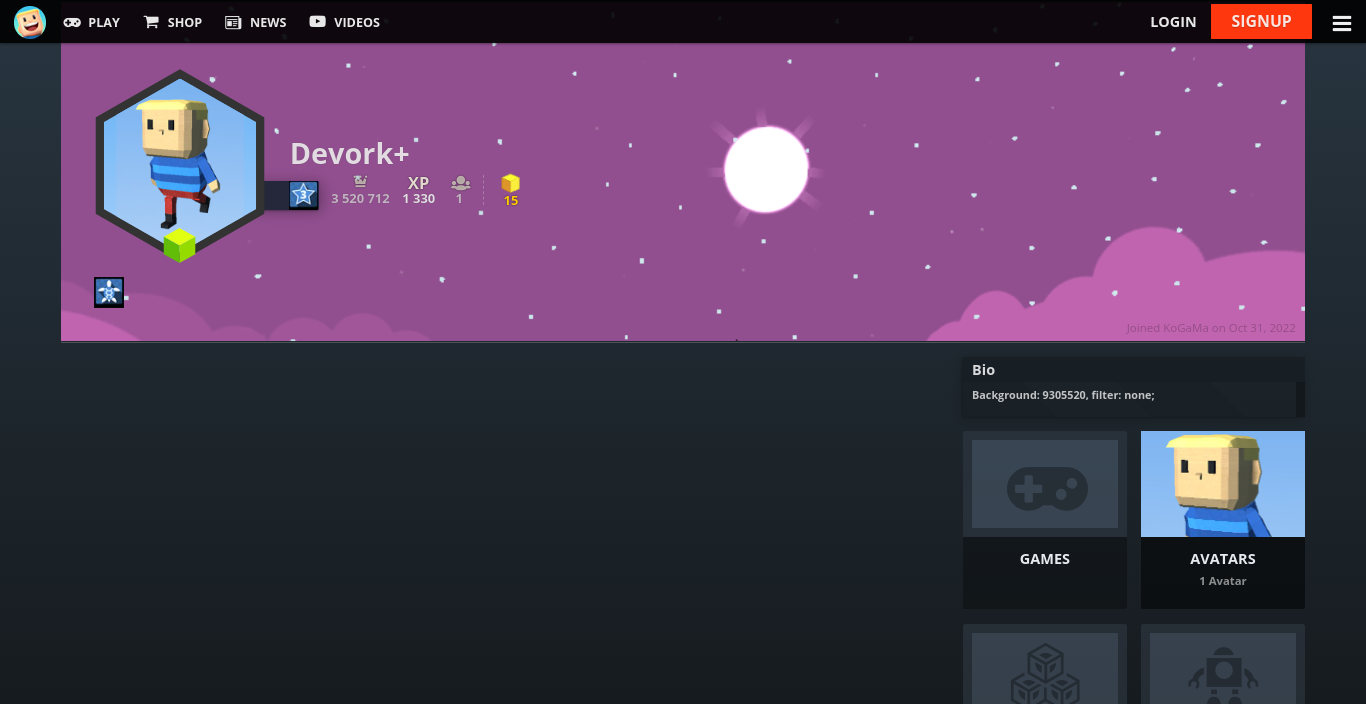
Example