Custom Profile Backgrounds

KoGaMa Custom Profile Background Support.

スクリプトをインストールするには、Tampermonkey, GreasemonkeyViolentmonkey のような拡張機能のインストールが必要です。

You will need to install an extension such as Tampermonkey to install this script.

スクリプトをインストールするには、TampermonkeyViolentmonkey のような拡張機能のインストールが必要です。

スクリプトをインストールするには、TampermonkeyUserscripts のような拡張機能のインストールが必要です。

このスクリプトをインストールするには、Tampermonkeyなどの拡張機能をインストールする必要があります。

このスクリプトをインストールするには、ユーザースクリプト管理ツールの拡張機能をインストールする必要があります。

(ユーザースクリプト管理ツールは設定済みなのでインストール!)

このスタイルをインストールするには、Stylusなどの拡張機能をインストールする必要があります。

このスタイルをインストールするには、Stylus などの拡張機能をインストールする必要があります。

このスタイルをインストールするには、Stylus tなどの拡張機能をインストールする必要があります。

このスタイルをインストールするには、ユーザースタイル管理用の拡張機能をインストールする必要があります。

このスタイルをインストールするには、ユーザースタイル管理用の拡張機能をインストールする必要があります。

このスタイルをインストールするには、ユーザースタイル管理用の拡張機能をインストールする必要があります。

(ユーザースタイル管理ツールは設定済みなのでインストール!)

このスクリプトの質問や評価の投稿はこちら通報はこちらへお寄せください
作者
Devorkk
1日のインストール数
0
累計インストール数
160
評価
0 0 0
バージョン
0.3
作成日
2023/01/17
更新日
2023/01/17
大きさ
1.64KB
ライセンス
不明
対象サイト

Custom Profile Backgrounds v0.3

Check out this script at GitHub 🧑‍💻

About

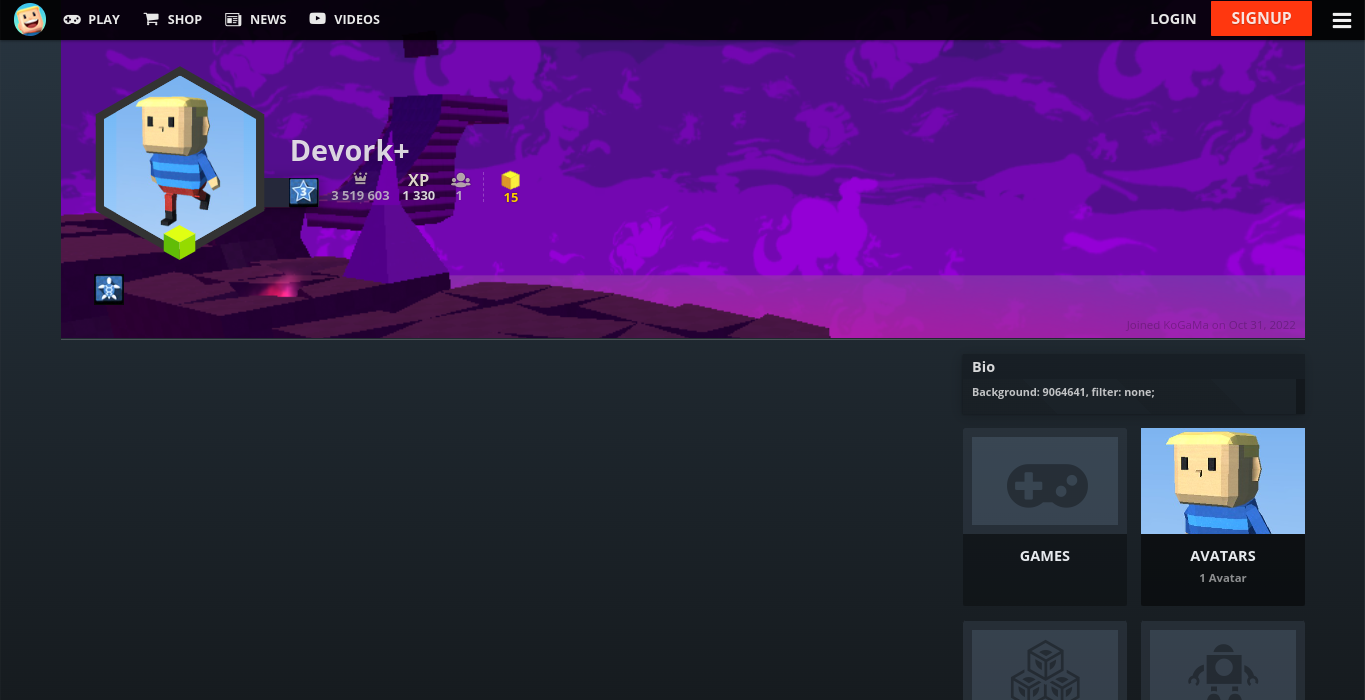
Custom profile background support. Showcase a game or create some profile art for all to enjoy at KoGaMa.

This idea was originally created by the KoGaMa Buddy or ProGraMa Studios, and re-created by me so, others users can enjoy this little tool on a non-firefox/firefox browser.

Preview

Usage

To set a custom profile background, include the following format somewhere in your profile description:
Background: GAME_ID, filter: FILTER;

  • GAME_ID: is the ID of a game on the current server.
  • FILTER: can be light, dark, blur, or none.

Note: The format is case-sensitive, and filter is optional with a default value of light.
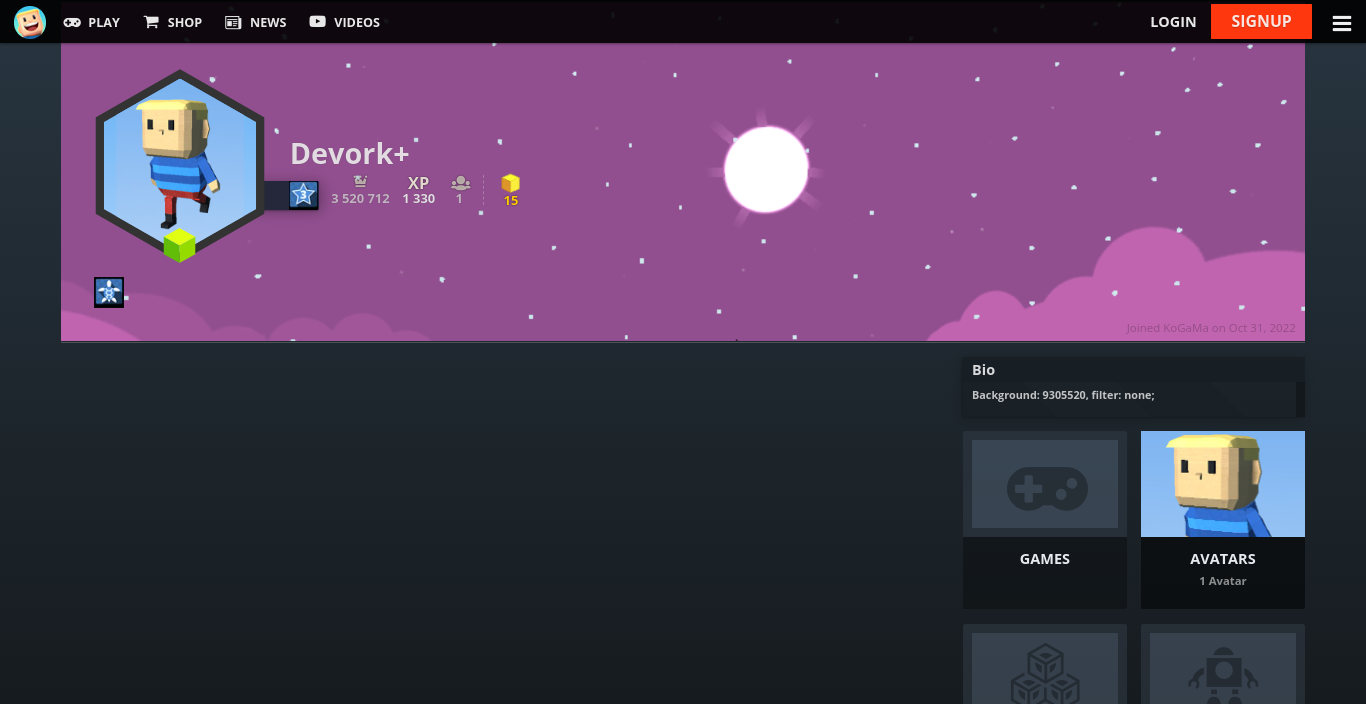
Example