Supercharge HTML5 video playback with Picture-in-Picture (PiP), A-B loop, speed control, mirror/rotate, lossless screenshots, and advanced media statistics.


Read this in other languages: 日本語, 简体中文
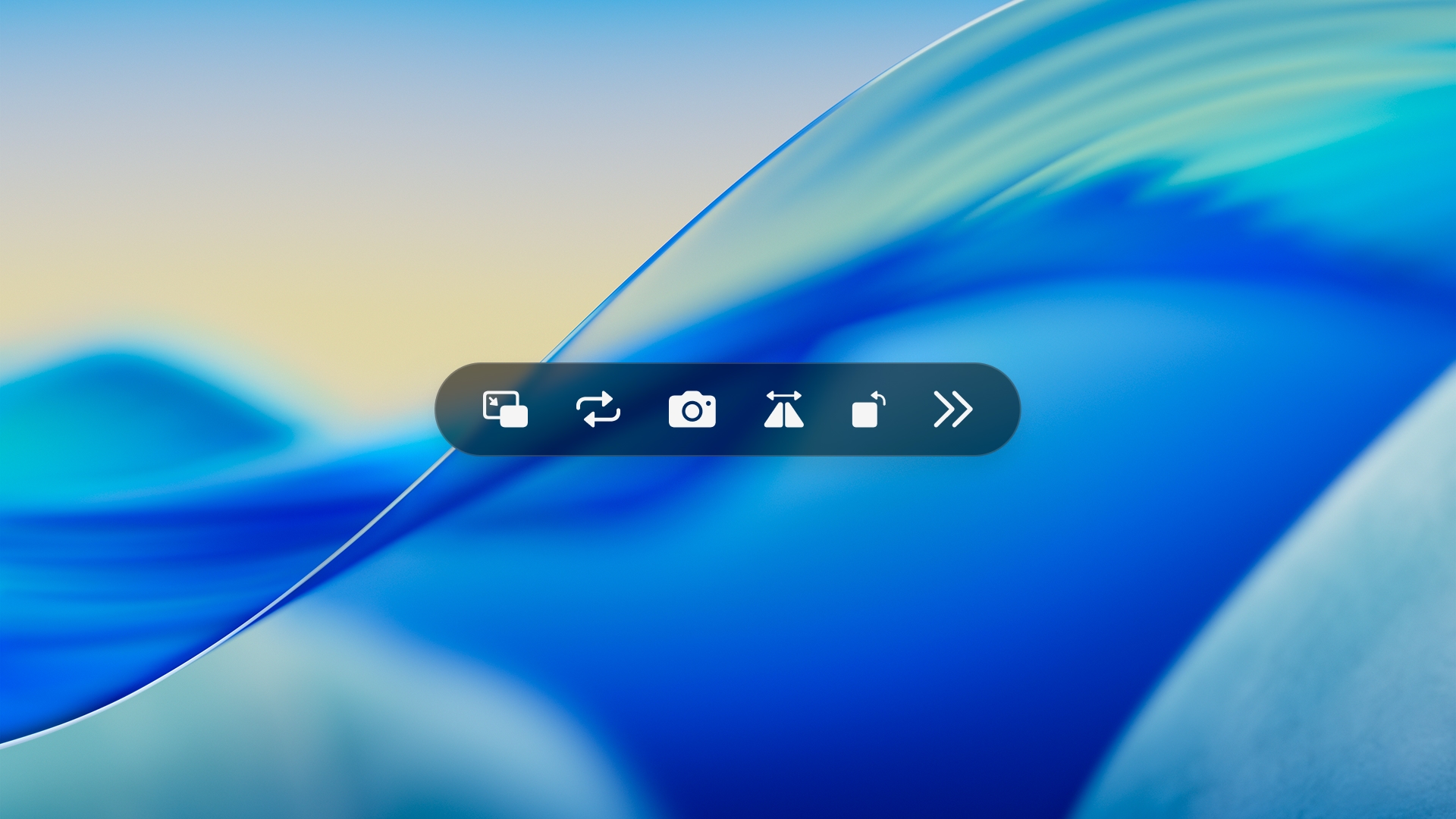
A lightweight userscript that adds a surgical-grade floating control bar with PiP, A-B Loop, Speed control, and Media Statistics to HTML5 videos.
Primarily tested on Safari for macOS. Also compatible with Chromium browsers (e.g., Edge).
💡 Modifier Key: Use
Alton Windows andOption (⌥)on macOS. Note: Shortcuts are intelligently disabled while typing in input fields or textareas.
| Feature | Description | Shortcut |
|---|---|---|
| 🔳 Picture-in-Picture | Toggle floating video mode. |
⌥ + P
|
| 🔁 A-B Loop |
L to enable Full Loop (auto-sets Point A). B to lock Point B and start A-B looping. |
⌥ + L / B
|
| 📸 Lossless Screenshot | Capture a 1:1 original resolution PNG frame without UI overlay. |
⌥ + S
|
| 🪞 Spatial Control |
M to Mirror horizontally. R to Rotate in 90° increments (with adaptive scaling). |
⌥ + M / R
|
| ⏩ Playback Speed |
- to decrease, = to increase speed (0.5x ~ 2.0x). 0 to instantly reset to 1.0x. |
⌥ + - / = / 0
|
| ⏪ Seek & Playback |
Space to Play/Pause video. ← / → to seek backward/forward by 5 seconds. |
⌥ + Space / ← / →
|
| 🔊 Audio Control |
↑ / ↓ to adjust volume by ±10%. U to toggle Mute. |
⌥ + ↑ / ↓ / U
|
| 📊 Media Stats | Toggle real-time FPS, resolution, and color space tracking. |
⌥ + I
|
| 👻 Auto-hide | The UI elegantly fades out after 3 seconds of inactivity. | - |
💡 Pro Tip: Combine A-B Loop with 0.5x Speed to easily breakdown and master complex guitar fingerstyle mechanics (requiring both hands) or detailed dance choreography.
<video> elements."See you in the next loop."

