Always on focus

Prevents websites from knowing that you switched tabs or unfocused the window

You will need to install an extension such as Tampermonkey, Greasemonkey or Violentmonkey to install this script.

You will need to install an extension such as Tampermonkey to install this script.

You will need to install an extension such as Tampermonkey or Violentmonkey to install this script.

You will need to install an extension such as Tampermonkey or Userscripts to install this script.

You will need to install an extension such as Tampermonkey to install this script.

You will need to install a user script manager extension to install this script.

(I already have a user script manager, let me install it!)

You will need to install an extension such as Stylus to install this style.

You will need to install an extension such as Stylus to install this style.

You will need to install an extension such as Stylus to install this style.

You will need to install a user style manager extension to install this style.

You will need to install a user style manager extension to install this style.

You will need to install a user style manager extension to install this style.

(I already have a user style manager, let me install it!)

Autor
daijro
Dnevne instalacije
3
Ukupno instalacija
14.393
Ocene
8 1 1
Verzija
1.5.3
Napravljeno
20. 07. 2021
Ažurirano
09. 06. 2024
Size
2,49 КБ
Licenca
Nije dostupno
Važi za
All sites

Always on focus

Userscript to trick websites into thinking the tab is always on focus


Installation

  1. Download the Tampermonkey browser extension

  2. Click here to install the userscript

  3. Toggle the userscript on/off from the Tampermonkey dashboard


What it does

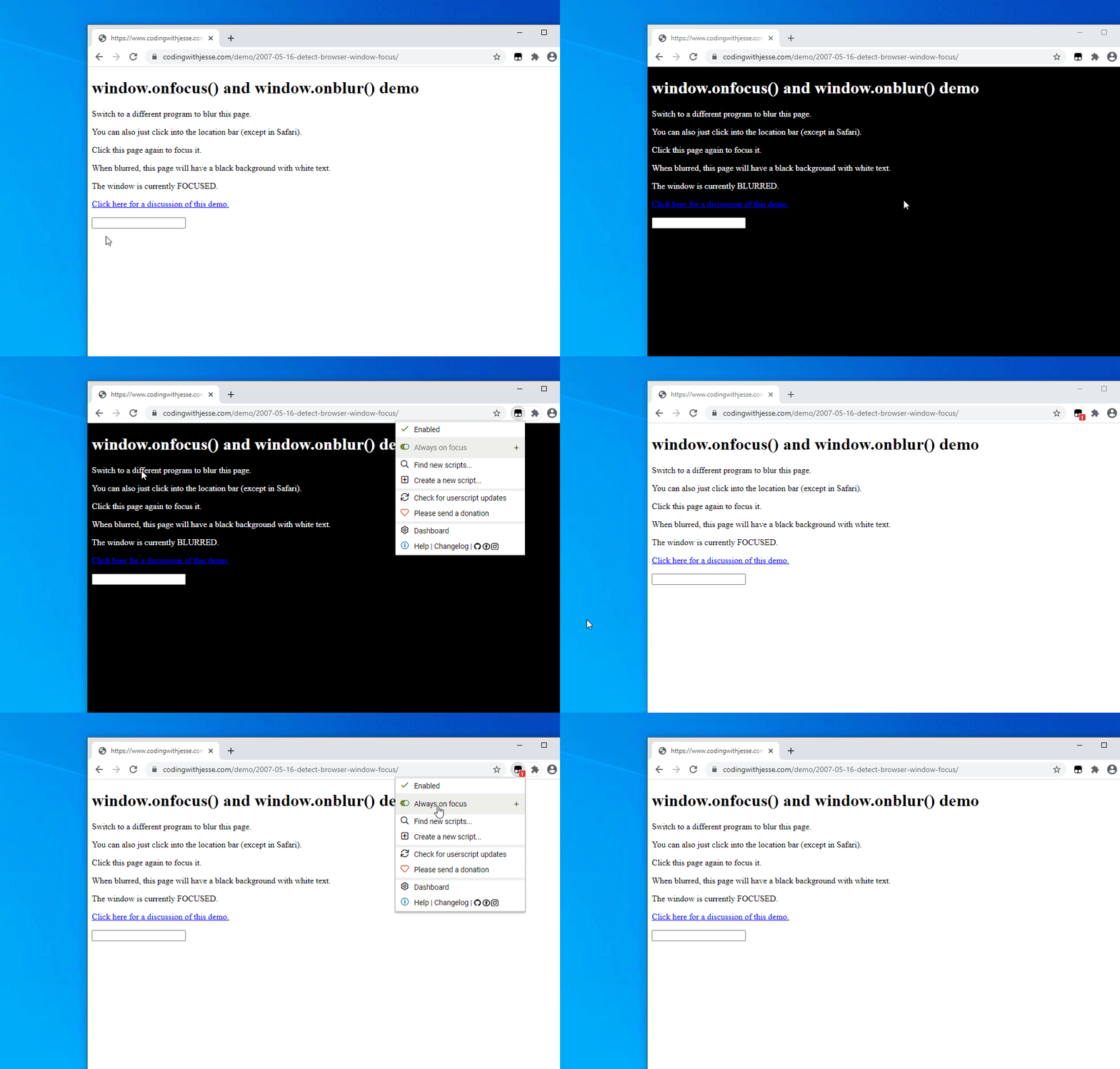
Always on focus is a lightweight userscript that prevents websites from knowing that you switched tabs or unfocused the window. This is a fork of this userscript that adds these:

  • Disables the Page Visibility API

  • Disables the window.onblur() event and and sets window.hasFocus() and window.onFocus() to always true (Ex.)

  • Removes the visibilitychange and blur event listeners (Ex.)

Example:

Here is an example website that changes color when the window isn't focused: