Download images, GIFs, videos, and voice messages on the Telegram webapp from private channels that disable downloading and restrict saving content
Unlock Telegram: Download Anything You Like.
This script unlocks and enables download of images, GIFs, and videos in Telegram webapps from chats, stories, and even private channels where downloading is disabled or restricted.
Important: This script is FREE to use. If you see anything asking you to pay to download, do not pay and report to GitHub issues or the comments area to notify the developer.
Install a userscript extension and click the "install" button above to install the script.
Important: If you are using Tampermonkey extension in a Chrome-based browser, following the instructions here to enable Developer Mode.
This script only works on Telegram Webapp. It adds a download button for images, GIFs and videos.
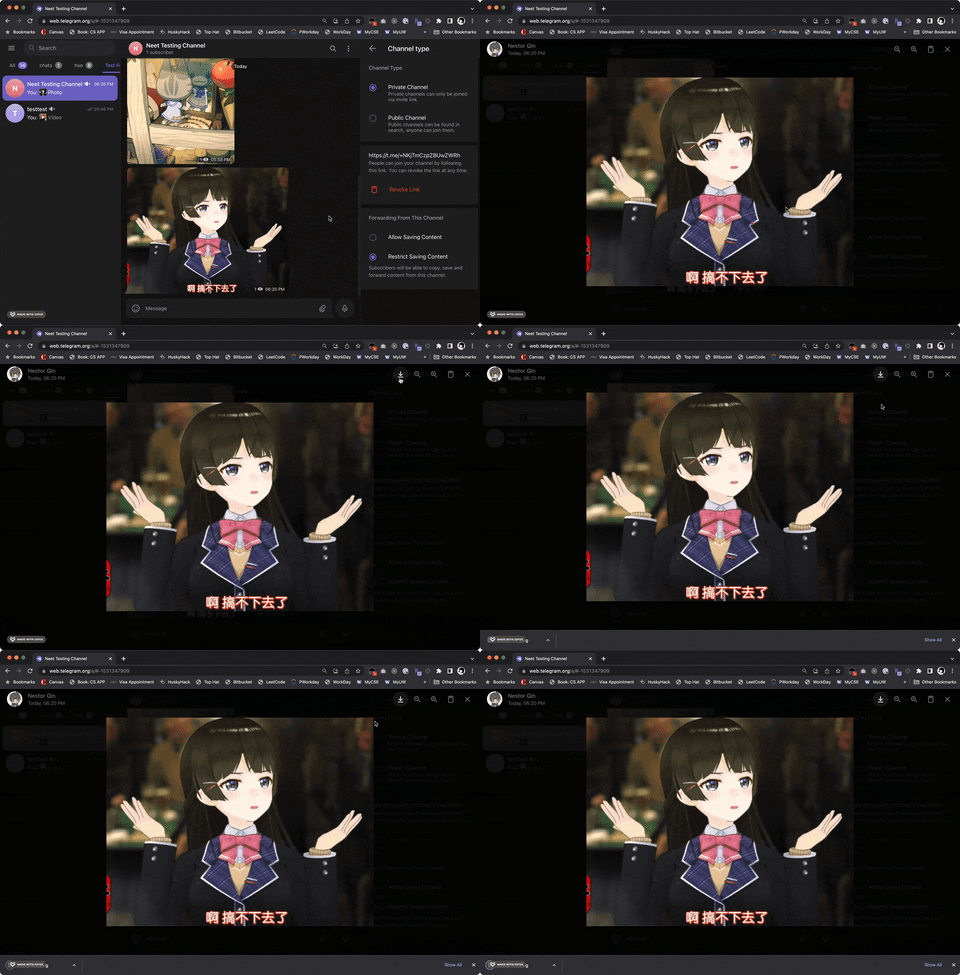
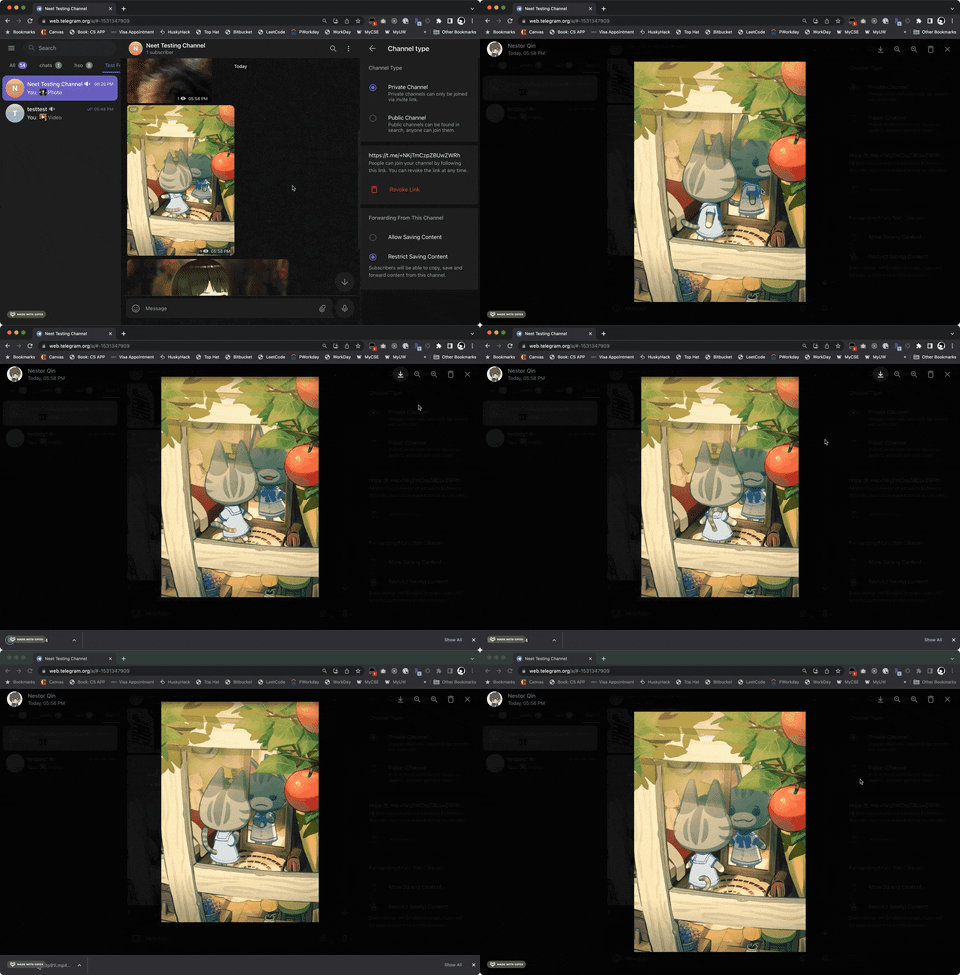
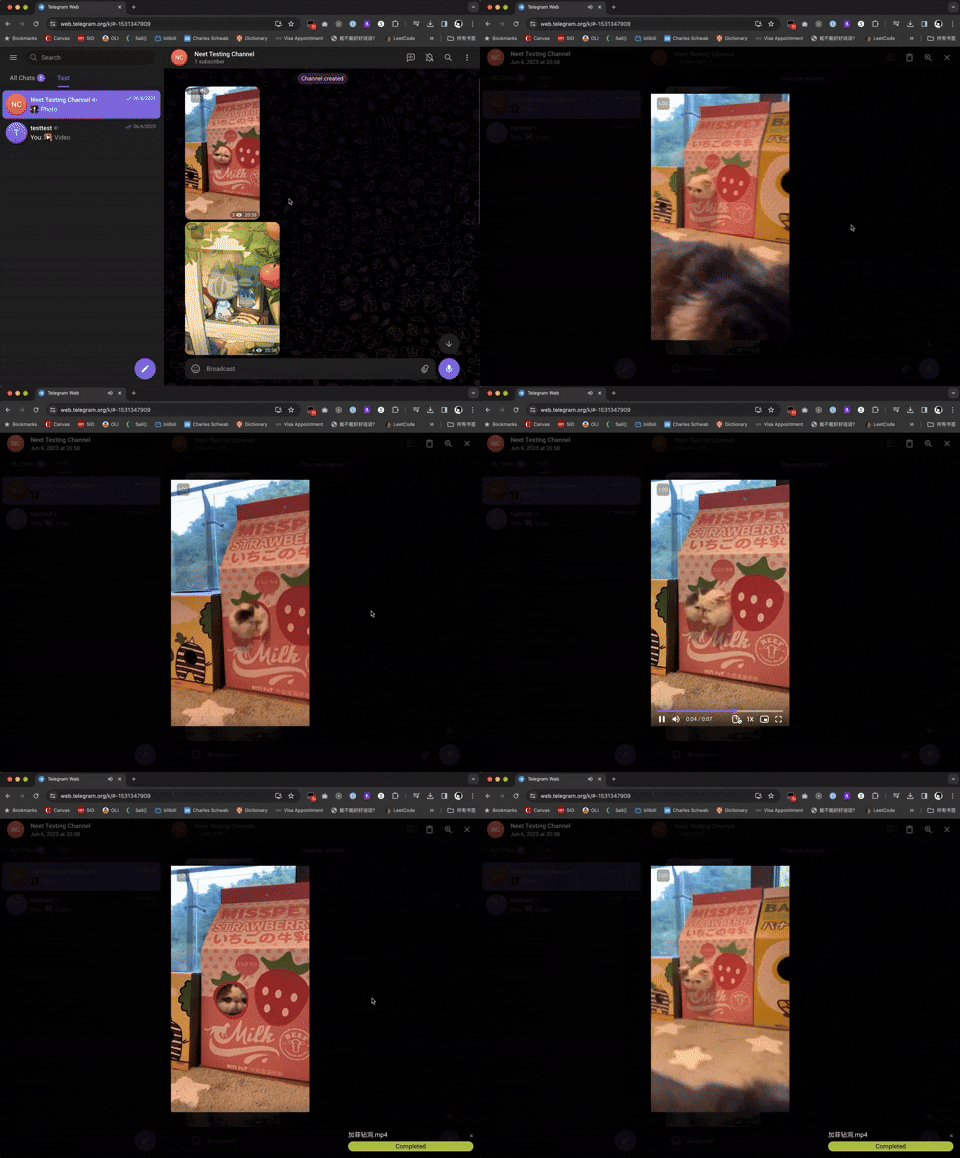
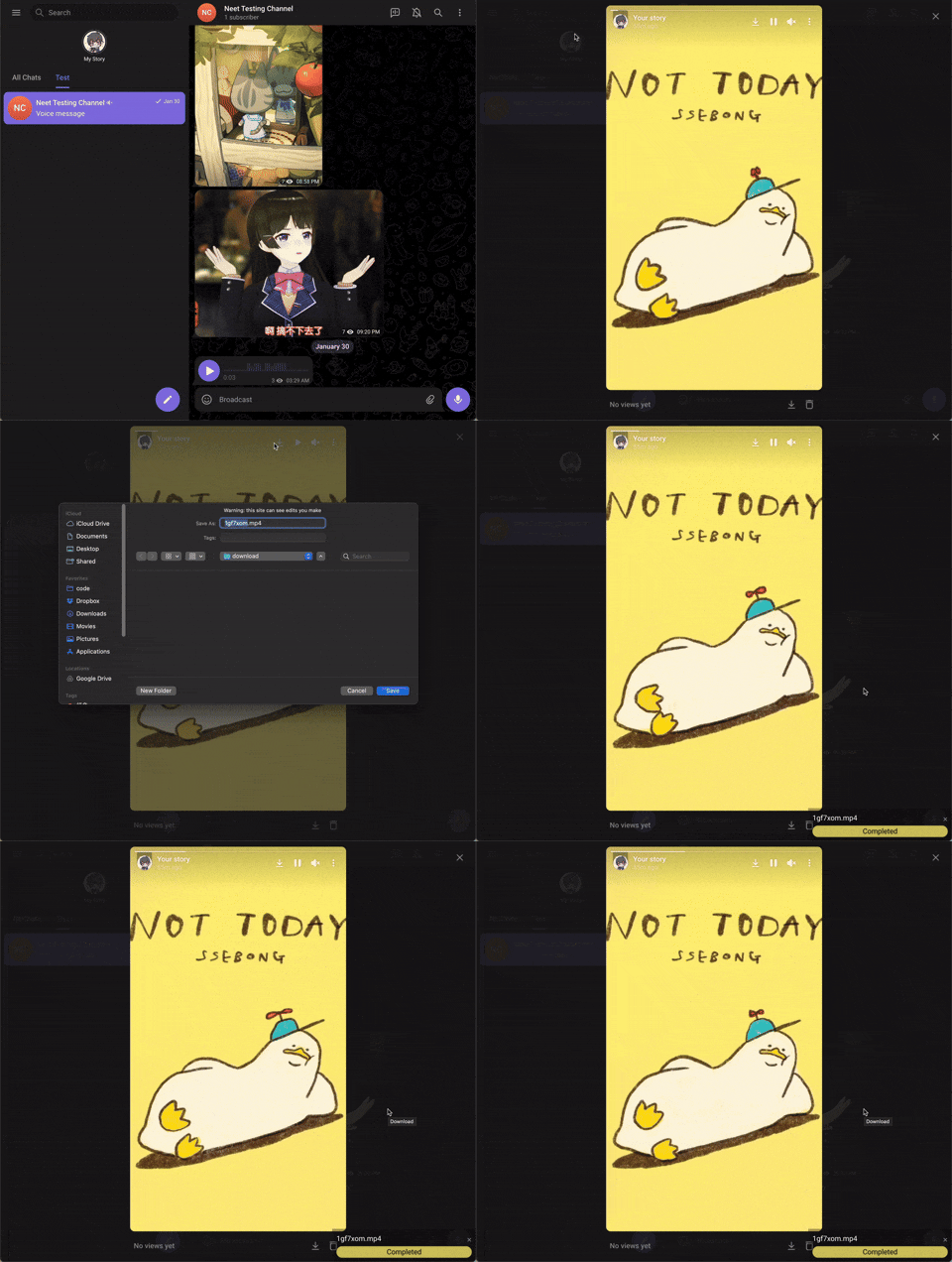
For videos, a progress bar will show on the bottom-right corder after you started downloading. For images and audios, there won't be a progress bar.
There are 2 different versions of telegram webapps:
This script should work on both versions of webapp, but some features are only available in the /k/ version (such as voice message downloads). If certain features are not working, switching to the /k/ version is recommended.
A progress bar will show on the bottom-right of the screen for videos. You can also check DevTools console for logs.
If you like this script, you can support me via Venmo or buy me a coffee :)
If you have any issue using this script, please reach out to our GitHub page and start an issue.
