Pinterest Full

View & download original full size images (no login required) and a pleasing UI

Bu betiği kurabilmeniz için Tampermonkey, Greasemonkey ya da Violentmonkey gibi bir kullanıcı betiği eklentisini kurmanız gerekmektedir.

Bu betiği yüklemek için Tampermonkey gibi bir uzantı yüklemeniz gerekir.

Bu betiği kurabilmeniz için Tampermonkey ya da Violentmonkey gibi bir kullanıcı betiği eklentisini kurmanız gerekmektedir.

Bu betiği kurabilmeniz için Tampermonkey ya da Userscripts gibi bir kullanıcı betiği eklentisini kurmanız gerekmektedir.

Bu betiği indirebilmeniz için ayrıca Tampermonkey gibi bir eklenti kurmanız gerekmektedir.

Bu betiği yüklemek için bir betik yöneticisi eklentisi yüklemeniz gerekecektir.

(Zaten bir betik yöneticim var, hadi yükleyelim!)

Advertisement:

Bu stili yüklemek için Stylus gibi bir uzantı yüklemeniz gerekir.

Bu stili yüklemek için Stylus gibi bir uzantı kurmanız gerekir.

Bu stili yükleyebilmek için Stylus gibi bir uzantı yüklemeniz gerekir.

Bu stili yüklemek için bir kullanıcı stili yöneticisi uzantısı yüklemeniz gerekir.

Bu stili yüklemek için bir kullanıcı stili yöneticisi uzantısı kurmanız gerekir.

Bu stili yükleyebilmek için bir kullanıcı stili yöneticisi uzantısı yüklemeniz gerekir.

(Zateb bir user-style yöneticim var, yükleyeyim!)

Advertisement:

Yazar
ShrekBytes
Günlük kurulumlar
1
Toplam kurulumlar
779
Değerlendirmeler
2 0 1
Versiyon
3.2.0
Oluşturulma
19.08.2025
Güncellenme
02.07.2026
Boyut
30,4 KB
Lisans
GPL-3.0
Geçerli

A lightweight userscript that lets you download original quality images from Pinterest without logging in. Adds View and Download buttons with a beautiful gallery interface.
Pinterest Full Interface

Features

  • No Login Required - Download original content without a Pinterest account
  • Original Quality - Get full-size images, not compressed versions
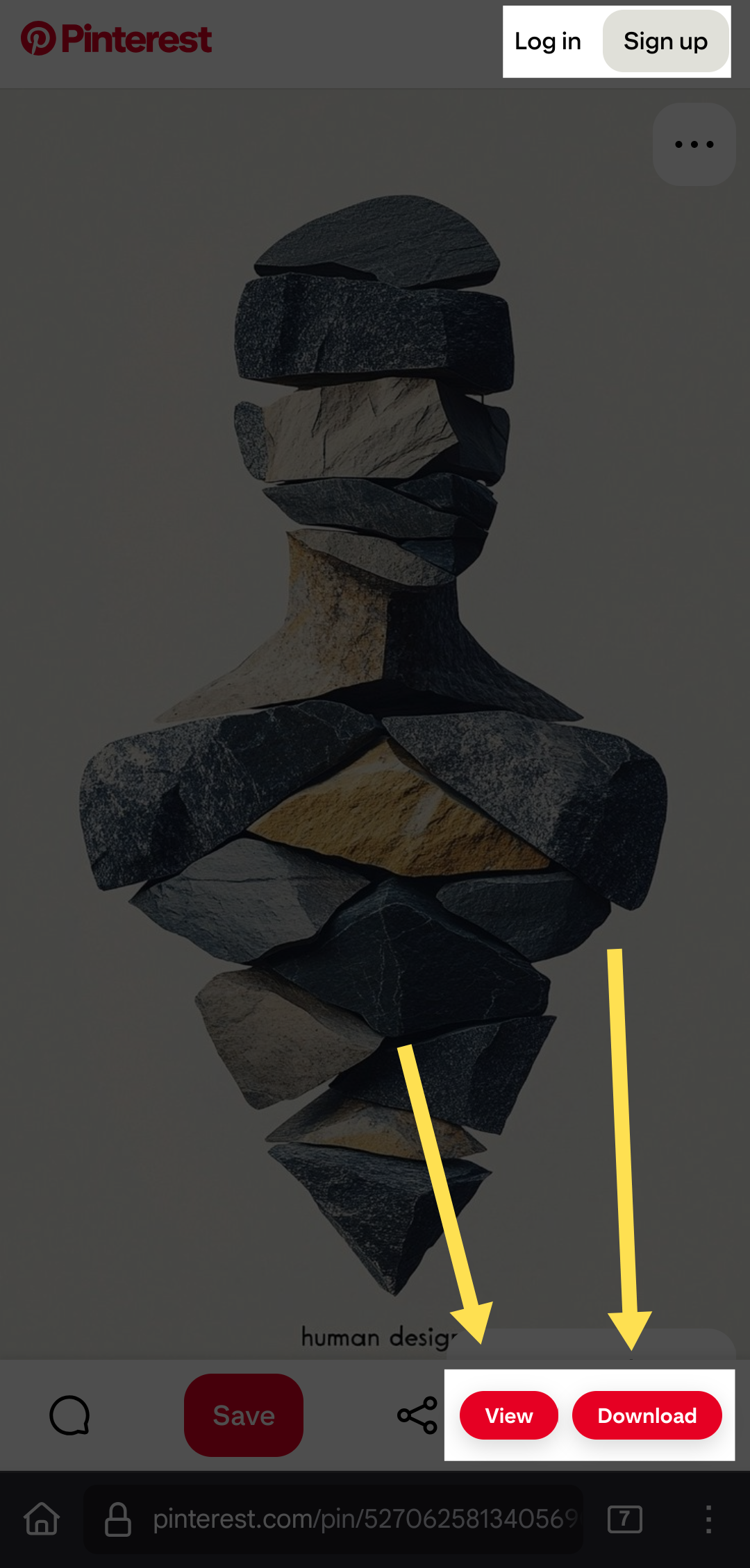
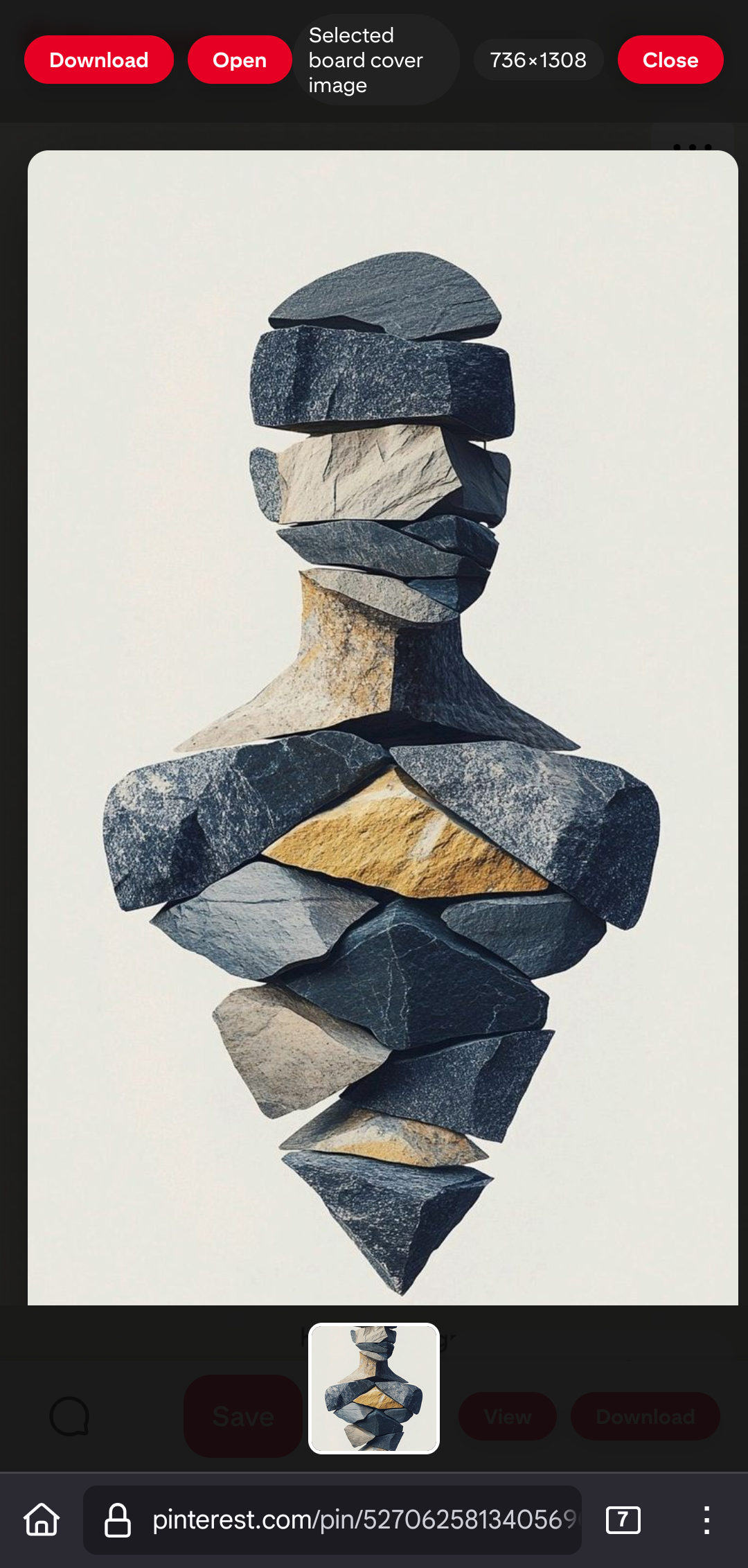
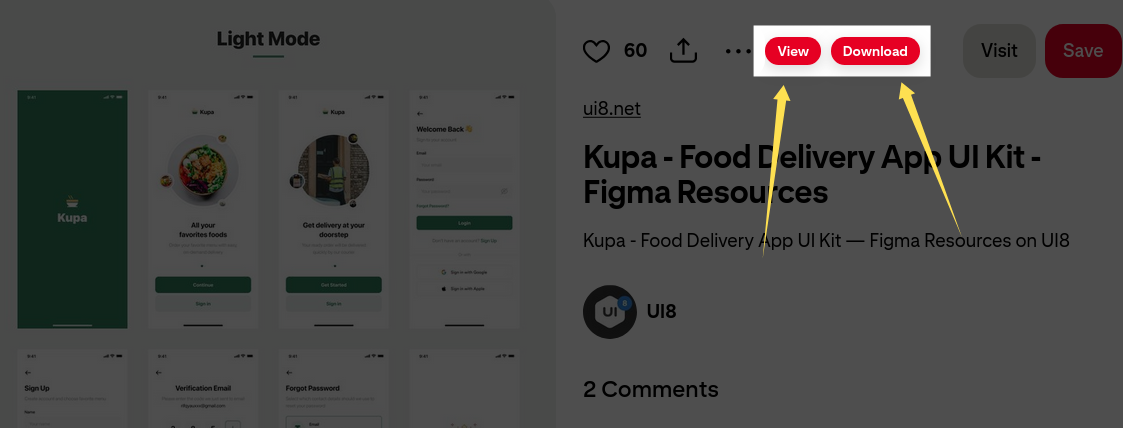
  • View Button - Opens images in a full-screen gallery
  • Download Button - Downloads original quality content
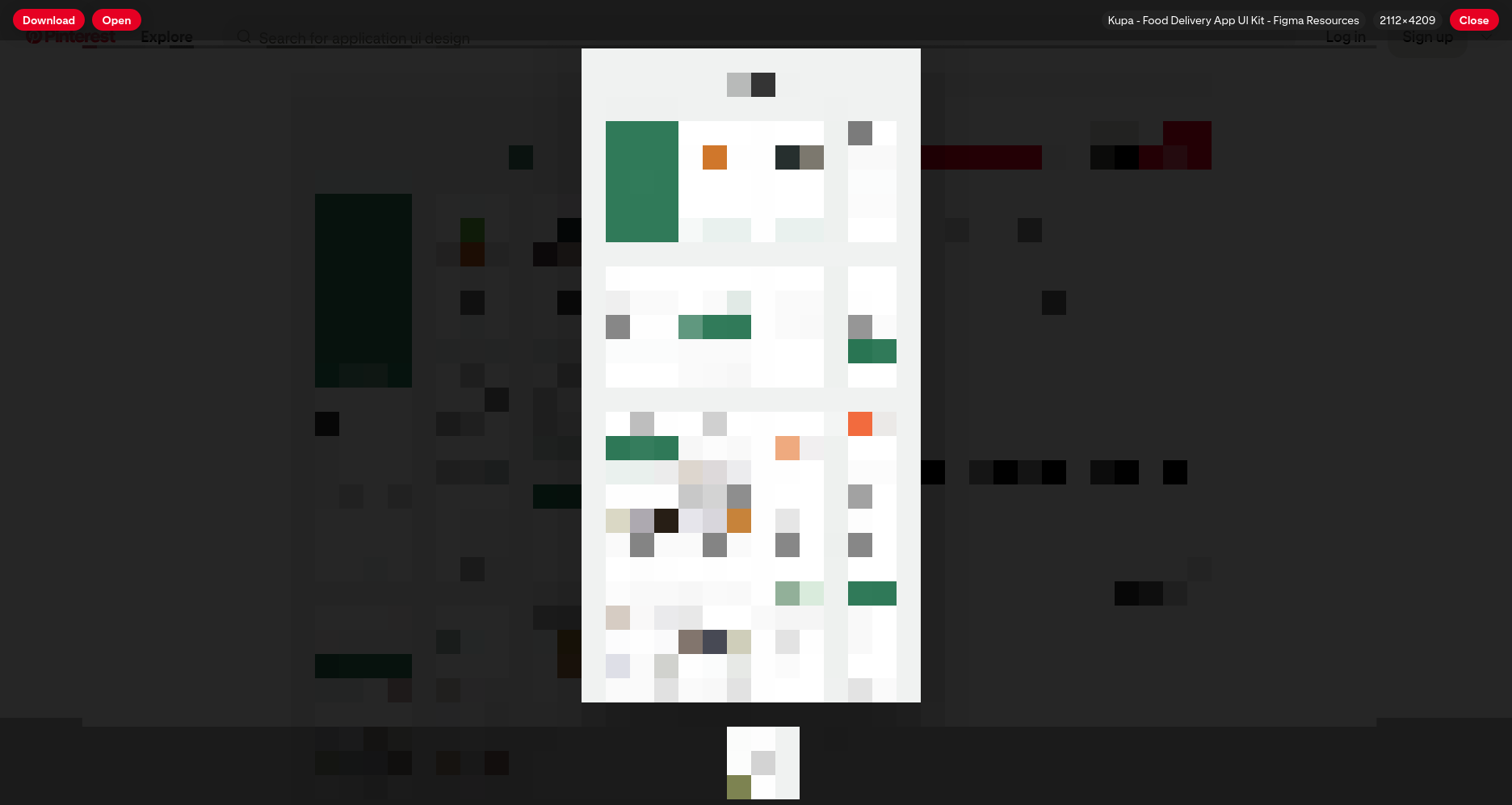
  • Gallery Navigation - Browse multiple images with thumbnails
  • Mobile Support - Works on mobile browsers when Desktop Site/Desktop Mode is enabled

Quick Install

  1. Install any userscript manager:
  2. Click here to install
  3. Visit any Pinterest pin page.
  4. On mobile browsers, enable Desktop Site/Desktop Mode first.
  5. Look for the View and Download buttons!

Supported Formats

  • Images: JPG, PNG, GIF, WebP
  • Story Pins: Multi-page content

Screenshots

Desktop

Pinterest Full - Main interface showing View and Download buttons Pinterest Full - Gallery interface showing multiple images with navigation

Mobile

Pinterest Full - Main interface showing View and Download buttons in Desktop Mode Pinterest Full - Gallery interface on mobile browser in Desktop Mode

Note: Pinterest recently updated its mobile interface. The userscript continues to work on mobile browsers when Desktop Site/Desktop Mode is enabled.

License

GPL-3.0 - See LICENSE file.

Acknowledgements

This script is based on the excellent work of TiLied's Pinterest Plus script.

Contributing

Found a bug? Want a feature? Open an issue on GitHub or submit a pull request!

Links

Made with ❤️ by ShrekBytes