小红书PC端直播美化脚本

自动点击播放,去除底部按钮,调整视频显示比例

You will need to install an extension such as Tampermonkey, Greasemonkey or Violentmonkey to install this script.

You will need to install an extension such as Tampermonkey to install this script.

You will need to install an extension such as Tampermonkey or Violentmonkey to install this script.

You will need to install an extension such as Tampermonkey or Userscripts to install this script.

You will need to install an extension such as Tampermonkey to install this script.

You will need to install a user script manager extension to install this script.

(Tôi đã có Trình quản lý tập lệnh người dùng, hãy cài đặt nó!)

You will need to install an extension such as Stylus to install this style.

You will need to install an extension such as Stylus to install this style.

You will need to install an extension such as Stylus to install this style.

You will need to install a user style manager extension to install this style.

You will need to install a user style manager extension to install this style.

You will need to install a user style manager extension to install this style.

(I already have a user style manager, let me install it!)
Tác giả
MAXLZ1
Cài đặt hàng ngày
0
Số lần cài đặt
13
Đánh giá
0 0 0
Phiên bản
1.0.1
Đã tạo
02-10-2025
Đã cập nhật
07-10-2025
Kích thước
3 KB
Giấy phép
MIT
Áp dụng cho

🌸 小红书 PC 端直播美化脚本

一个专为 小红书直播网页端(PC 端) 打造的用户脚本,提供更清爽的视觉体验、更顺畅的互动界面。
让观看小红书直播变得更轻松、更美观。


🌈 效果展示

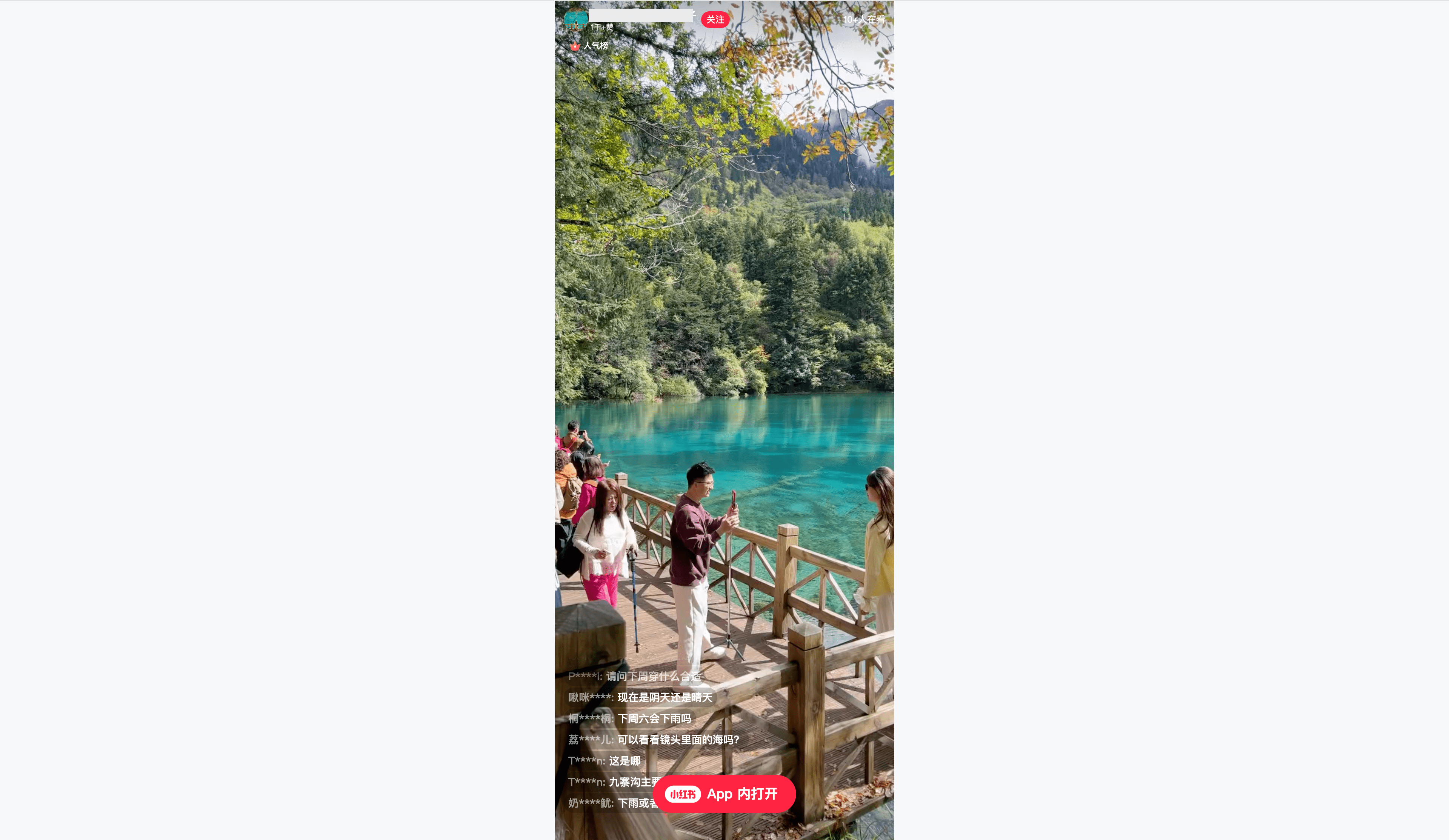
以下截图展示了美化前后的界面对比与设置面板:

原始界面 应用脚本后界面
原始界面 应用脚本后界面

✨ 功能特性

  • 💅 直播界面美化

    • 隐藏冗余 UI 元素(如底部小红书按钮等)
    • 优化弹幕显示区域
    • 调整布局,使画面更专注于主播与弹幕
    • 增加直播背景
  • 🧩 增强功能

    • 自动播放

📦 安装指南

  1. 安装油猴插件(Tampermonkey)

  2. 安装脚本

  3. 打开小红书直播页面

    • 进入任意小红书直播间,即可看到优化后的直播界面。