Custom Profile Backgrounds

KoGaMa Custom Profile Background Support.

您需要先安裝使用者腳本管理器擴展,如 TampermonkeyGreasemonkeyViolentmonkey 之後才能安裝該腳本。

You will need to install an extension such as Tampermonkey to install this script.

您需要先安裝使用者腳本管理器擴充功能,如 TampermonkeyViolentmonkey 後才能安裝該腳本。

您需要先安裝使用者腳本管理器擴充功能,如 TampermonkeyUserscripts 後才能安裝該腳本。

你需要先安裝一款使用者腳本管理器擴展,比如 Tampermonkey,才能安裝此腳本

您需要先安裝使用者腳本管理器擴充功能後才能安裝該腳本。

(我已經安裝了使用者腳本管理器,讓我安裝!)

你需要先安裝一款使用者樣式管理器擴展,比如 Stylus,才能安裝此樣式

你需要先安裝一款使用者樣式管理器擴展,比如 Stylus,才能安裝此樣式

你需要先安裝一款使用者樣式管理器擴展,比如 Stylus,才能安裝此樣式

你需要先安裝一款使用者樣式管理器擴展後才能安裝此樣式

你需要先安裝一款使用者樣式管理器擴展後才能安裝此樣式

你需要先安裝一款使用者樣式管理器擴展後才能安裝此樣式

(我已經安裝了使用者樣式管理器,讓我安裝!)

作者
Devorkk
今日安裝
0
安裝總數
161
評價
0 0 0
版本
0.3
建立日期
2023-01-17
更新日期
2023-01-17
尺寸
1.6 KB
授權條款
未知
腳本執行於

Custom Profile Backgrounds v0.3

Check out this script at GitHub 🧑‍💻

About

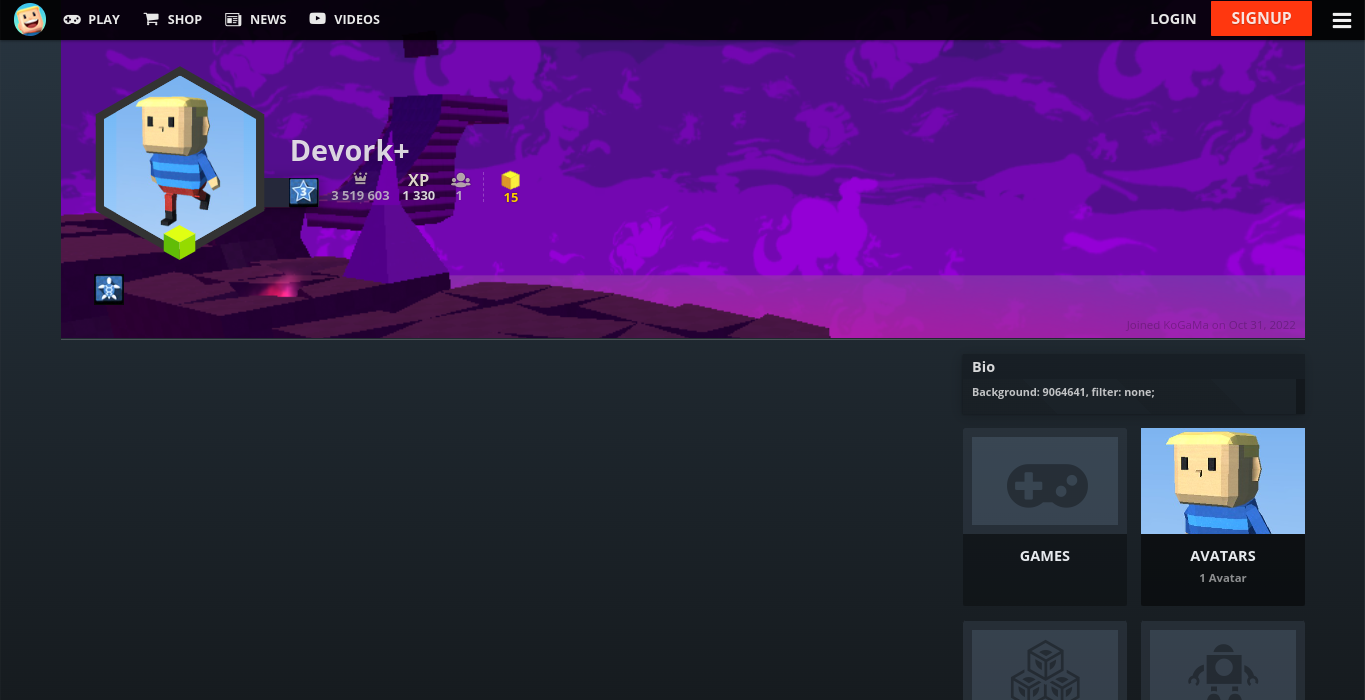
Custom profile background support. Showcase a game or create some profile art for all to enjoy at KoGaMa.

This idea was originally created by the KoGaMa Buddy or ProGraMa Studios, and re-created by me so, others users can enjoy this little tool on a non-firefox/firefox browser.

Preview

Usage

To set a custom profile background, include the following format somewhere in your profile description:
Background: GAME_ID, filter: FILTER;

  • GAME_ID: is the ID of a game on the current server.
  • FILTER: can be light, dark, blur, or none.

Note: The format is case-sensitive, and filter is optional with a default value of light.
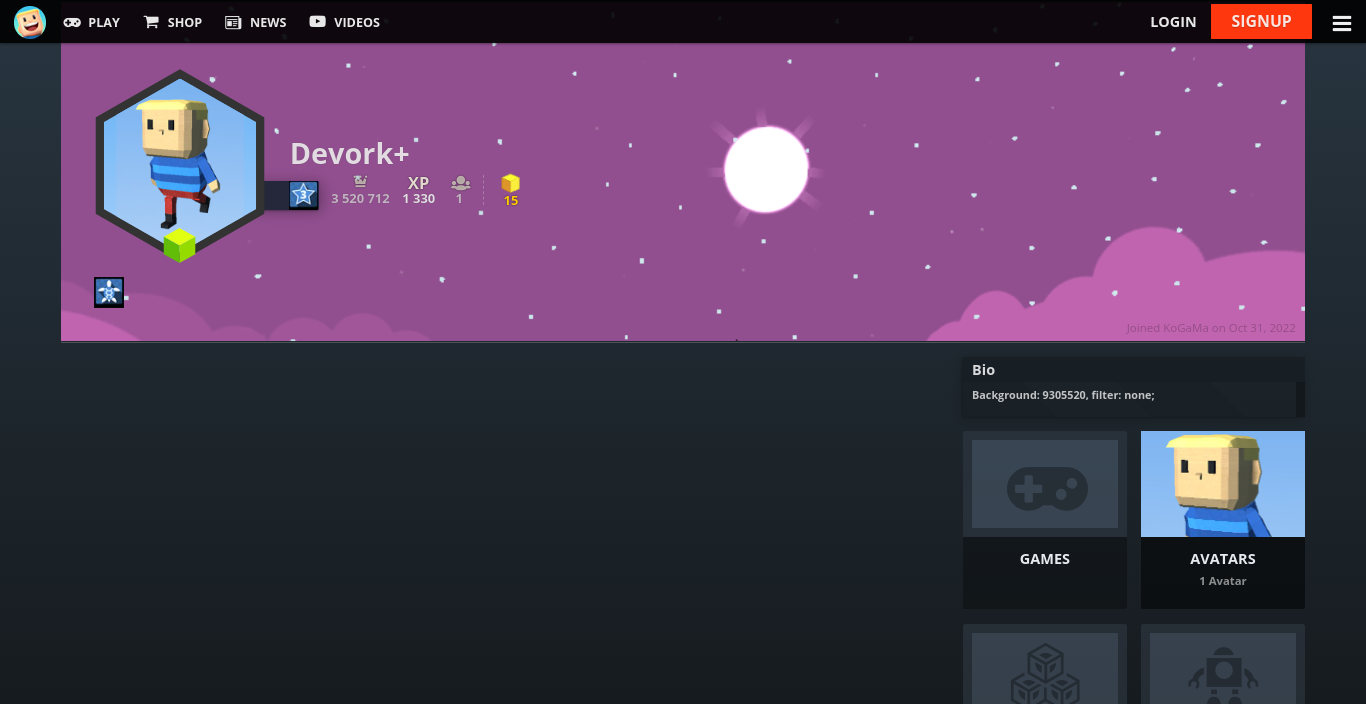
Example