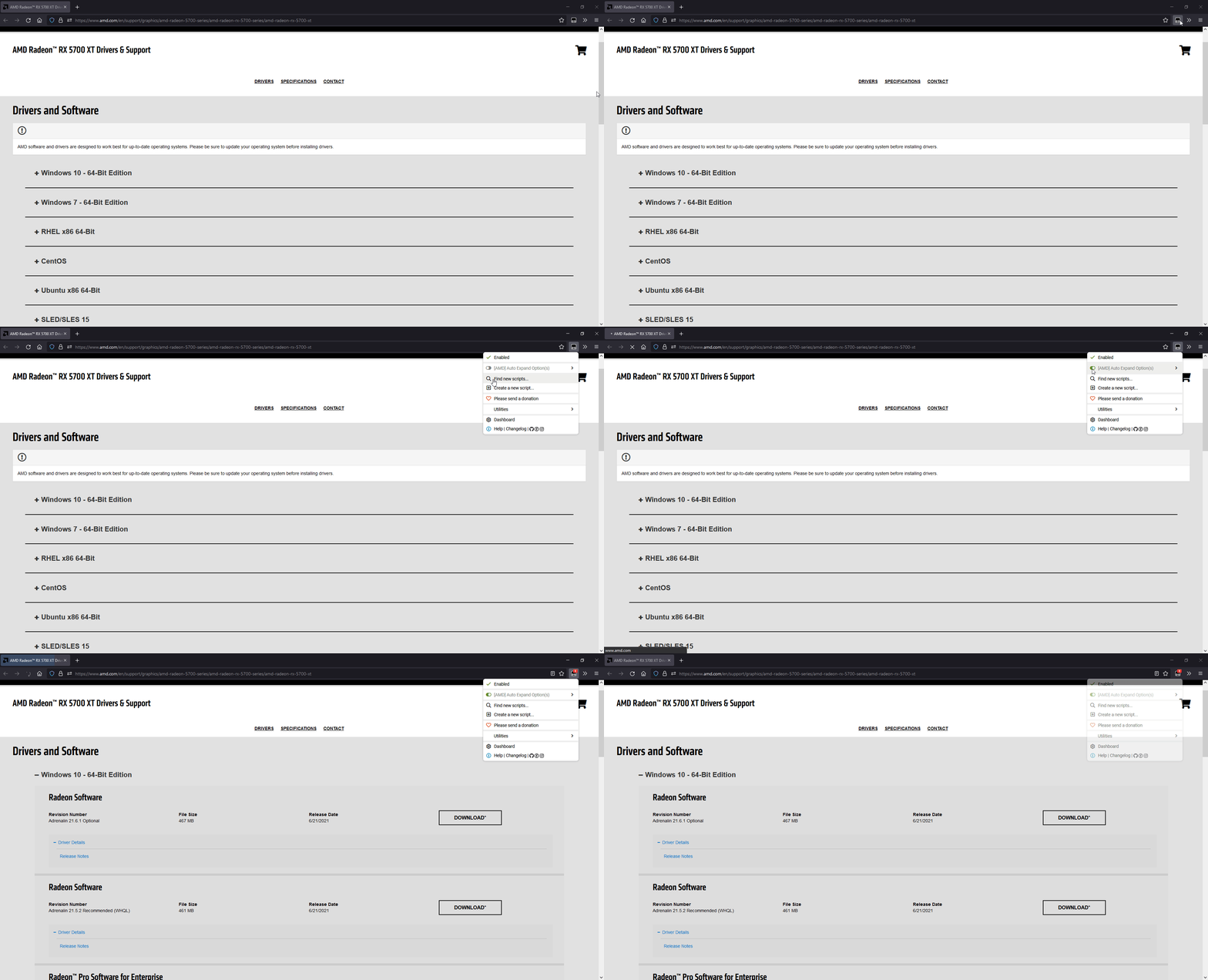
[AMD] Auto Expand Option(s)

Automatically opens the first option.

You will need to install an extension such as Tampermonkey, Greasemonkey or Violentmonkey to install this script.

You will need to install an extension such as Tampermonkey to install this script.

You will need to install an extension such as Tampermonkey or Violentmonkey to install this script.

You will need to install an extension such as Tampermonkey or Userscripts to install this script.

You will need to install an extension such as Tampermonkey to install this script.

You will need to install a user script manager extension to install this script.

(I already have a user script manager, let me install it!)

You will need to install an extension such as Stylus to install this style.

You will need to install an extension such as Stylus to install this style.

You will need to install an extension such as Stylus to install this style.

You will need to install a user style manager extension to install this style.

You will need to install a user style manager extension to install this style.

You will need to install a user style manager extension to install this style.

(I already have a user style manager, let me install it!)

Author
magicoflolis
Daily installs
0
Total installs
20
Ratings
0 0 0
Version
1.0.5
Created
2021-03-11
Updated
2023-06-25
Size
9.61 KB
Compatibility
Compatible with Firefox Compatible with Chrome Compatible with Opera Compatible with Edge
License
N/A
Applies to

AMD Auto Expand

Various tweaks to AMD Support Pages.

Preview


Version Link Alternative Note
Userscript Greasy Fork Install (GitHub) -

Features

Tweaks can be manually toggled (edit userscript)

  • Auto expands driver options ( first | all | none | windows or Windows 11 - 64-Bit Edition...etc )
  • Adds direct link to drivers download url.
  • Reduces page clutter
  • Autoscroll on page load ( Set scroll_amount = 0 to disable )
  • Adds scroll to top button
  • Top button CSS can be customized

Source Code

Contacts

GitHub

Twitter

Greasy Fork